
TL;DR:
- CRM advertising uses your existing customer data (email lists, purchase history) to target people with ads on Facebook, Google, LinkedIn, and TikTok
- Instead of guessing who might buy, you show ads to people you already know
- The result: less wasted spend, better targeting, and campaigns that actually tie back to revenue
You’re running retargeting ads and the click-through rates look decent. But then, you go and check the reports and see that you keep spending budget on people who already bought from you, unqualified leads, or contacts who went cold six months ago. Sound familiar?
The problem is that most ad targeting is still not optimized. You build an audience based on interests or behavior patterns, and hope it maps to real buyers. But it often doesn’t.
Converting audiences depends on knowing and having the best practices for lead enrichment in place. Yet, marketers consistently rank reaching the right audience as one of their top challenges, and that’s not going away on its own.


In this article, you can find out how to use your CRM data to run high-performing ads by replacing random segmenting with filtered data you already have.
What is CRM advertising?
CRM advertising is when you use the data in your CRM (customer relationship management) system to build ad audiences. Instead of targeting segments like people aged 25–45 who like fitness, you’re building different segments. For example, the leads who signed up last month but never converted or customers who bought once and haven’t come back.

Your CRM already holds email addresses, purchase history, lead stages, company size, and last activity date. Your CRM data helps you connect that data to ad platforms so your campaigns reach the right people.
It’s very similar to retargeting, but it also expands more. Retargeting shows ads to people who visited your site. CRM advertising targets based on who they actually are and where they are in the buying journey.
How does CRM advertising work?
The basic process has three steps:
• Export a contact list from your CRM (or sync it automatically. More on that below)
• Upload it to an ad platform, which matches your contacts to users on that platform using email, phone number, or other identifiers
• Run targeted ads to that matched audience, or exclude them, or build lookalike audiences from them
But match rates vary by platform and list quality.
If you’re manually exporting CSVs every few weeks, your audience is already out of date. Tools like LeadsBridge help you keep your CRM and ad platform audiences in sync automatically and in real time.

CRM advertising examples by platform
1. Facebook and Instagram: Custom audiences and lookalikes
Meta’s custom audiences feature lets you upload a customer list and show ads specifically to those people on Facebook and Instagram. It’s one of the most powerful (and widely used) forms of CRM advertising.


A few ways to use it:
- Suppress existing customers from acquisition campaigns so you’re not wasting budget
- Retarget leads who signed up but never converted with a time-limited offer
- Build a Lookalike Audience from your best customers to find similar people at scale
Meta’s lookalike audiences are especially useful because they let you grow beyond your existing list without losing the targeting precision.
You can learn more about the setup in this step-by-step guide to Facebook Custom Audiences.
2. Google: Customer Match
Google’s Customer Match works similarly. You upload a list of emails or phone numbers, and Google matches them to signed-in Google users. Your ads can then appear across Search, YouTube, Gmail, and Display.


This is particularly effective for high-intent moments. If someone from your CRM searches for a competitor on Google, Customer Match lets you show up right there with a targeted ad.
Google recommends lists of at least 1,000 contacts for Customer Match to work well. So this is way better suited to companies with a decent-sized database.
3. LinkedIn: Matched Audiences
LinkedIn’s Matched Audiences feature is a strong choice for B2B companies. You can upload contact lists or account lists directly from your CRM and target decision-makers at specific companies.


Here’s a common use case:
- You have 500 accounts in your CRM that are in the “evaluation” stage.
- You upload that list to LinkedIn
- Your sales team’s outreach gets backed up by targeted ads from your brand, creating multiple touchpoints without extra manual effort
LinkedIn’s match rates are lower than Facebook or Google (typically 30–50%), but the audience quality tends to be higher for B2B purposes.
4. TikTok: CRM-based Custom Audiences
TikTok might not be the first platform you think of for CRM ads, but it’s growing fast as a performance channel. It’s a great platform for brands targeting younger demographics or running product launches.
TikTok’s Custom Audiences work the same way. You upload a customer list, match to TikTok users, then run video or in-feed ads to that specific group. You can also build lookalikes from your CRM list to expand reach.
If your CRM has a segment of lapsed customers, TikTok can be a cost-effective way to re-engage them in a less competitive ad environment than Meta. Of course, your CRM must be connected to TikTok for you to be able to fully take advantage of the data you collect.

How to connect your advertising data to your CRM
The biggest practical challenge with using CRM in your ad strategy is keeping everything in sync. Most marketers start by manually exporting CSVs from their CRM and uploading them to ad platforms. It works, but it’s slow, error-prone, and means your audiences are always a little stale.
The better approach is to automate the connection between your CRM and your ad platforms.
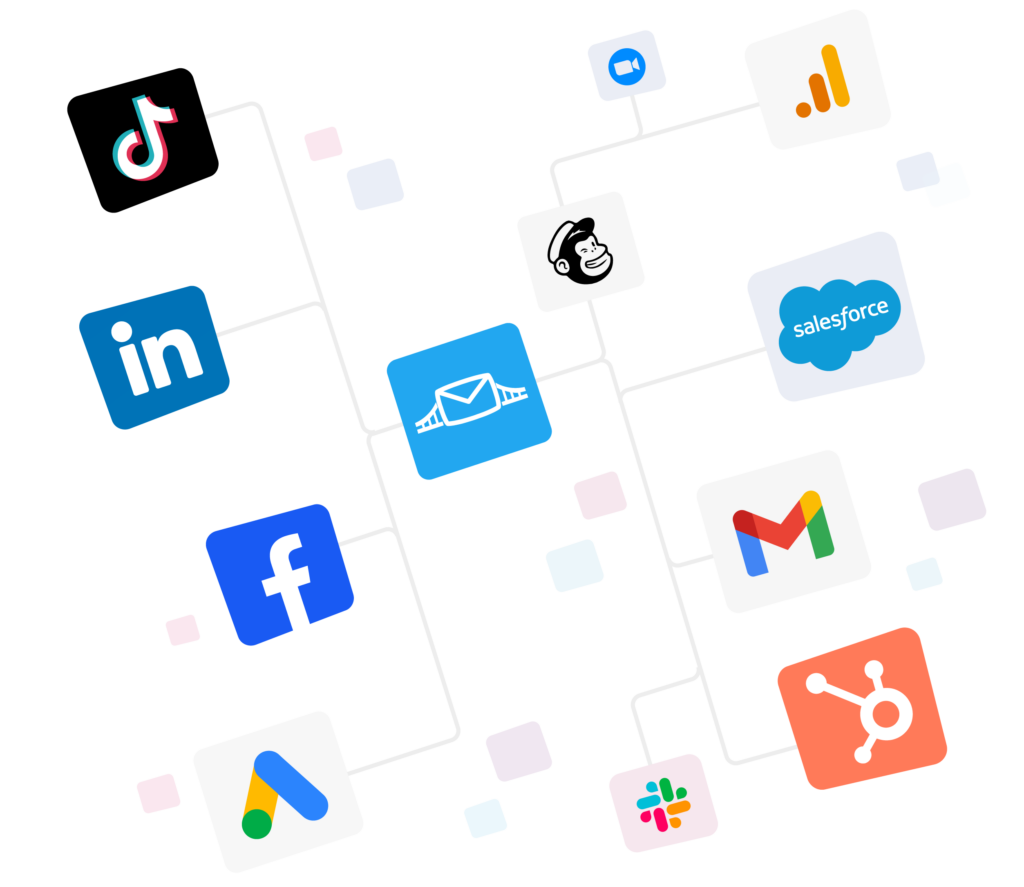
LeadsBridge is built specifically for this. It connects your CRM to Meta, Google, LinkedIn, TikTok, and 380+ other platforms. These integrations help keep your custom audiences updated in real time as your CRM data changes.
Here’s what that looks like in practice:
- A lead converts, then they’re automatically added to a “new leads” audience in your ad platform
- A deal closes and the customer is removed from acquisition campaigns and added to an upsell audience
- A contact goes cold, so they’re moved to a re-engagement campaign audience
This kind of real-time syncing is what turns your advertising from a manual one-time exercise into an always-on, evergreen system.
Take a look at all of LeadsBridge’s audience integrations here.
FAQs
The main benefits come down to precision and efficiency:
– Less wasted spend. You’re targeting people you already know something about, not cold audiences.
– Better suppression. Exclude existing customers from acquisition campaigns automatically.
– Closed-loop attribution. See which ads actually drove CRM pipeline, not just clicks.
– More relevant messaging. Someone in the “evaluation” stage should see different ads than a cold prospect.
Manual CSV uploads work but don’t scale well. For automated lead data syncing, tools like LeadsBridge connect your CRM directly to ad platforms and update audiences in real time. Most setups take under an hour to configure.
Retargeting targets people based on behavior. For example, they visited your site, viewed a product, or abandoned a cart.
Ads designed based on your CRM data can better target identity and relationship data. This gives you the full view of who they are in your CRM, what stage they’re at, and what they’ve purchased.
Both are valuable and work well together. You can learn more about how they overlap in this guide to CRM retargeting.
Final thoughts
CRM ads work best when your data is always fresh. Marketers can get the most out of it if they treat their CRM as a living system that feeds their ad platforms in real time.
That means new leads get targeted immediately, closed deals get suppressed automatically, and no budget gets wasted on the wrong people.
If your CRM and ad platforms aren’t talking to each other yet, that’s the first thing to fix.
Explore LeadsBridge’s audience integrations and create an interconnected system.