Most visitors do not convert the first time they land on your website. They browse a product, compare your offer, abandon a form, leave a cart, or download a resource, and disappear.
That’s a lost opportunity, right? Think again!
You can bring that user back with retargeting automation. A connected system that turns your audience database (that should be consented first-party) into timely emails and ad campaigns.
And that’s how you turn the tide in your favor.
This guide explains how to turn warm-but-gone visitors into conversions using automated CRM retargeting across paid ads and email. All without manually uploading lists or managing campaigns one audience at a time.
TL;DR
- Retargeting automation uses behavior-triggered workflows to re-engage leads across email and paid platforms.
- Email retargeting automation converts pre-qualified visitors by sending personalized messages tied to specific on-site actions.
- Custom audience retargeting automation keeps your CRM data synced to ad platforms in real time.
- Cookieless retargeting is viable through first-party data, Conversions APIs, and server-side tracking.
- LeadsBridge connects your CRM, email platform, and ad networks (Meta, Google, LinkedIn, TikTok) through automated audience sync and lead routing.


What is retargeting automation?
Retargeting automation is the automated process of re-engaging people who have already shown interest in your business.
That interest can include:
- Visiting a pricing page
- Opening an email
- Abandoning a cart
- Downloading a lead magnet
- Booking but not attending a demo
- Becoming inactive after a purchase
Instead of manually exporting lists, uploading contacts, or sending one-off campaigns, automating retargeting connects your data sources and marketing channels.
Why set up automated retargeting for your business
When a user takes a defined action, the system places them into the right segment and triggers the next best follow-up: an email, an SMS, a paid ad audience, an exclusion list, or a sales handoff.
Why you should retarget is clear. 98% of website visitors don’t convert on their first visit, and returning visitors convert two to three times better than new ones. Automation makes that re-engagement systematic and scalable.
And when it comes to data analysis, retargeting automation helps you answer three questions:
- Who showed intent?
- What should happen next?
- Which channel should deliver the message?
Consequently, you’ll know how to find your retargeting audience.
How does marketing automation retargeting work?
Marketing automation retargeting works by connecting your behavioral data sources (your website, CRM, email platform) to your ad networks and triggering audience updates or messages whenever a lead meets a defined condition.
The typical flow looks like this:
Touch 1: A visitor interacts with your website, ad, email, form, product page, or checkout.
Touch 2: Your tracking setup, CRM, ecommerce platform, or email tool records that action.
Touch 3: The user is added to a segment, such as cart abandoned, viewed pricing, demo requested, lead inactive, or customer ready for upsell.
Touch 4: Automation rules trigger a message or audience update.
Touch 5: The user receives a relevant email, sees a paid retargeting ad, gets excluded from irrelevant campaigns, or moves into a sales workflow.
Touch 6: Performance data feeds back into your CRM, email platform, or ad account.
Advertisers with a mature first-party data strategy achieve 25–35% better ROAS and 1.5x more revenue growth than advertisers who remain dependent on third-party data.
Basically, automation is what makes your retargeting strategies operationally possible.
Ways marketing automation retargeting helps businesses
Marketing automation retargeting helps businesses recover revenue, reduce wasted spend, and make follow-ups much more relevant.
- Reducing wasted ad spend. Automated audience suppression stops you from showing acquisition ads to existing customers or people who have already converted.
- Removing manual uploads. Automation tools keep CRM audiences synced with Meta (Facebook retargeting) and other platforms, so targeting updates whenever a lead’s status changes.
- Connecting email and paid ads. Automation makes it easier to run retargeting ads and email remarketing from the same customer behavior.
- Improving timing. Short 7–14 day retargeting windows reach people while their interest is still fresh, without manual campaign updates.
- Scaling segmentation. Automation makes it practical to target people by product viewed, funnel stage, or lead score instead of using generic retargeting.
How does email retargeting automation work?
Email retargeting works by combining behavioral data triggers with automation. When someone interacts with your store, their actions and inaction can trigger a personalized email that encourages them to return.
Specifically, the mechanics involve three components working together:
1. Behavioral tracking.
Email retargeting tracks user activity using cookies, tracking pixels, or first-party data such as past purchases or email interactions. When a defined action occurs, it logs the event.
2. Segmentation logic.
The automation tool evaluates which segment the lead belongs to based on that action. Segments typically map to funnel stages: awareness, consideration, or decision.
3. Triggered sequences.
The right email sequence fires automatically. Instead of manually emailing each user, automated sequences keep potential customers engaged without manual follow-up.
A cart abandoner receives a different message than someone who downloaded a guide or attended a webinar. Here’s an abandoned cart retargeting sequence example:

No matter the context, the process is usually based on triggers. Common triggers include:
- Abandoned cart
- Product browse without purchase
- Pricing page visit
- Form started but not submitted
- Demo requested but not booked
- Lead magnet downloaded
- Trial started but not activated
- Subscription about to expire
- Customer inactive for a set period
Retargeted users engage with emails 40% more than cold leads. This means the audience quality alone drives more performance for you without running any (usually resource-heavy) creative optimization.
Automating your email retargeting with LeadsBridge
An interconnected data stack is especially important when email retargeting needs to work alongside paid retargeting.
For example, you might have an email segment called “Viewed pricing but did not book a demo.”
Without automation, your team would export that segment from the CRM or email tool, format the file, upload it to Meta or Google, wait for the match, and repeat the process every few days.
That process is way too slow.
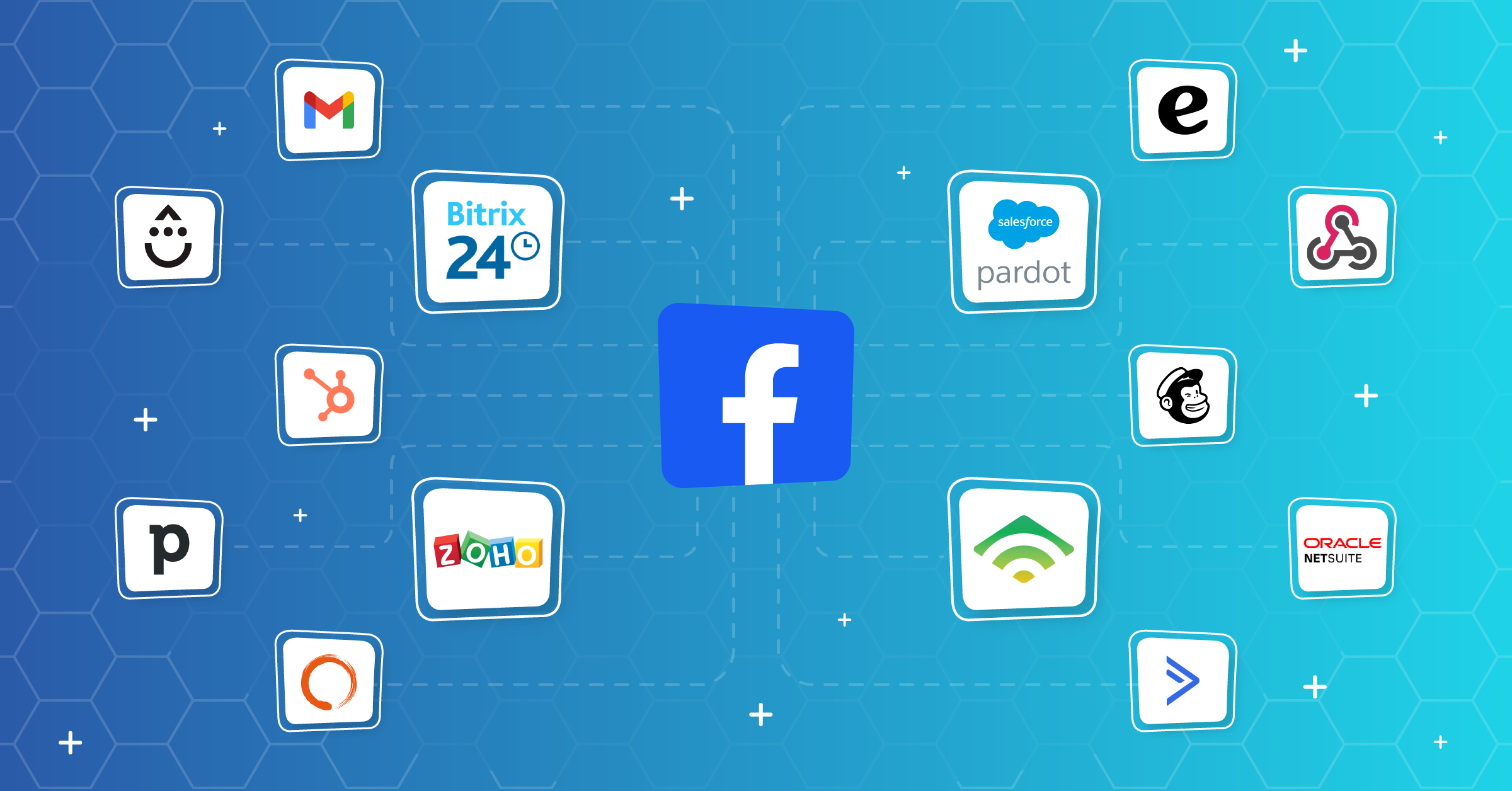
Platforms like LeadsBridge remove that manual loop by syncing CRM segments, email marketing contacts, or customer lists with advertising platforms.
With automation, a practical email retargeting setup could look like this:
- A user joins your email list from a lead magnet.
- The user clicks a product or demo email but does not convert.
- Your CRM or email platform adds the user to a segment.
- LeadsBridge syncs that segment to a custom audience on LinkedIn, Google, or Meta.
- The user receives matching ad creative that reinforces the email message.
- If the user converts, LeadsBridge updates the audience and removes them from the retargeting segment.
These data bridges create a closed-loop retargeting system that stays current in real time across Meta, Google, LinkedIn, and TikTok.


Step-by-step guide to custom audience retargeting automation
Custom audience retargeting automation uses your first-party customer data or behavioral segments to create paid media audiences that update automatically.
Here is the practical setup process.
Step 1: Define the retargeting goal
Start with the business outcome you are going for.
The goal might be recovering abandoned carts, booking demos, reactivating dormant customers, cross-selling existing customers, or excluding current customers from acquisition campaigns.
Step 2: Choose the source audience
Your source audience can come from a CRM, an ecommerce platform, an email marketing tool, a spreadsheet, a data warehouse, a form tool, or website behavior.
Common audience sources include:
- Newsletter subscribers
- Trial users
- Abandoned cart users
- Past purchasers
- Demo no-shows
- High-intent website visitors
- Inactive customers
- Event registrants
- MQLs or SQLs
Step 3: Clean and segment your data
Before syncing anything, remove duplicates, suppress unsubscribed or non-consented contacts, standardize fields, and separate audiences by intent.
Do not build one giant “all leads” audience. That usually leads to generic messaging and weaker performance. Instead, create separate segments such as:
- Viewed product but did not buy
- Cart abandoned
- Demo requested but not booked
- Trial active but not activated
- Customer eligible for upsell
- Customer to exclude from acquisition
Step 4: Confirm consent and platform eligibility
Retargeting must be built on compliant data. Do not sync contacts into ad platforms unless your collection, consent, privacy notice, and intended use support that processing.
Step 5: Connect your CRM or email platform to LeadsBridge
In LeadsBridge, this connection is handled through a bridge.
The bridge you build links your source system, such as a CRM or email platform, to a destination platform, such as Facebook custom audiences, Google Customer Match, or LinkedIn Matched Audiences.


Step 6: Create inclusion and exclusion rules
Every retargeting audience needs both inclusion and exclusion logic.
Example:
- Include: users who viewed pricing in the last 30 days
- Exclude: users who booked a demo
- Exclude: current customers
- Exclude: unsubscribed or non-consented contacts
- Exclude: low-fit leads
For ecommerce:
- Include: cart abandoners
- Exclude: purchasers
- Exclude: refunded customers, if the campaign is inappropriate
- Exclude: users already in a higher-value retention sequence
Step 7: Match creative to lifecycle stage

- Do not show the same ad to every retargeting audience.
- Pricing-page visitors may need proof, comparison content, or a demo CTA.
- Cart abandoners may need product reminders, shipping details, reviews, or a limited incentive.
- Existing customers may need an upsell, not an acquisition message.
Step 8: Launch with a short learning window
Run the campaign long enough to collect useful data. But poorly set up segments can burn your budget.
What needs reviewing is your audience size, match rate, frequency, conversion rate, assisted conversions, and exclusion performance.
Step 9: Keep the bridge updated
The whole point of custom audience automation is that the audience should change as the customer changes.
With LeadsBridge, your custom audience lists are automatically synced, adding new contacts and removing contacts that need to be excluded.
Top 6 retargeting automation best practices
- Use short retargeting windows for strong signals. Recent interest matters. Shorter windows, like 7 days instead of 30, can help lower CPA and keep ads focused on people who are most likely to buy.
- Limit how often people see your ads. Set a frequency cap of about 4 to 6 impressions per user so people remember your brand without getting annoyed.
- Remove converted leads right away. As soon as someone buys or converts, they should leave your retargeting audience. This avoids wasted spend and a bad customer experience.
- Run email and ads from the same triggers. When someone takes an important action, use automation to send both email and paid retargeting at the same time.
- Start with first-party data. Use your own CRM and customer data as the base for targeting. It works best when the data is clean, accurate, and formatted correctly.
- Measure genuine impact. Test retargeting against a small holdout group to see how many extra conversions your ads actually create.
FAQs
1. What is retargeting automation?
Using streamlined workflows, automated retargeting re-engages people who have interacted with your business using behavior triggers, CRM data, email workflows, and ad audiences.
2. What is the difference between retargeting and remarketing?
While sharing similarities, keep in mind that retargeting is different than remarketing.
Retargeting usually means paid ads aimed at past visitors or leads. Remarketing usually means re-engagement through owned channels like email. Many marketers use the terms interchangeably.
3. Can I do retargeting automation without third-party cookies?
Yes. Use first-party data, consented customer lists, CRM segments, email engagement, server-side tracking, and tools like Google Customer Match or Meta custom audiences.
Practically, this means using tools like Meta’s Conversions API or LinkedIn Conversions API to send event data from your server directly to the ad platform, bypassing browser-level restrictions.
LeadsBridge automates the connection between your CRM and advertising platforms to share data automatically and in real time, which makes server-side audience syncing manageable without custom engineering.
[Widgets?]


Takeaways
Retargeting automation is no longer just a pixel-based ad tactic. Now, it’s a lifecycle system built around first-party data, consent, segmentation, and cross-channel automation.
Automating the bridge between your CRM, email lists, customer segments, and ad platforms helps you keep audiences updated without constant manual uploads.
Discover LeadsBridge solutions for audience targeting.