
TL;DR
- HubSpot is a general-purpose CRM that doesn’t specialize in real estate, which is a price to pay for its broader appeal that many agents are willing to accept.
- The free plan is free forever, not a trial. You get contact storage, one deal pipeline, task management, email tracking and a meeting link. Custom fields, extra pipelines and workflows need a paid plan.
- Configure the CRM to fit your real estate pipeline: buyer and seller deals must be kept separate.
- HubSpot’s lead scoring feature for real estate prospects indicates which leads to prioritize contacting. It is available in Professional plans and higher.
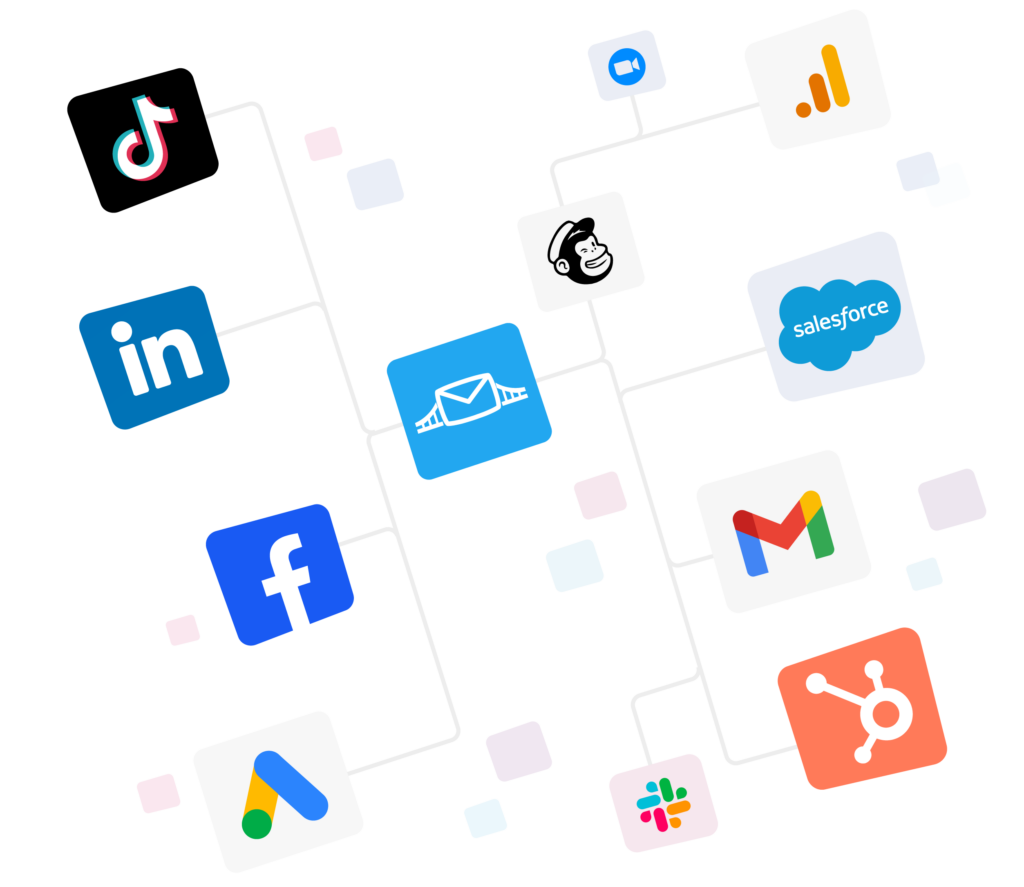
- LeadsBridge syncs the leads generated by your ads in real-time into your HubSpot CRM and subsequently syncs your HubSpot lists as ad audiences.

Is your spreadsheet costing you deals?
In the beginning it was just a spreadsheet. And that’s fine for 20 contacts. But what about when you have 200 or more?
Real Estate is a slow business with occasional bursts of activity. A homeowner can wait patiently in your contact database for 3 years, then call you on a Tuesday asking to have their house listed on the Friday. Miss that narrow opening and someone else will have that sign in their yard.
That keeps your performance under scrutiny.
In this article, we’ll cover all that you need to know about using HubSpot for real estate businesses and how you can build a system that actually helps you get the most out of it.
Why HubSpot is a good fit for real estate agents
The CRM from HubSpot is not built specifically for real estate. Tools such as
Follow Up Boss and BoldTrail are more specialized. So why are so many real estate agents choosing HubSpot?
- There are no time or user limits on the free plan.
HubSpot is free to start and it stays free.
You get contacts, one deal pipeline, tasks, email tracking and a meeting link at no cost, with no expiry date. That covers most agents in their first year. The catch is that free accounts now cap you at two users, 1,000 contacts and ten custom properties, so plan on upgrading once you’re actually busy.
- Your contacts will come with you if you switch brokerages.
The CRM your brokerage subscribes to is often what you have access to, however, if you change companies, you will likely have to leave that CRM behind. Your HubSpot CRM would not be tied to your brokerage, you own it.
This is even noted on HubSpot’s own real estate CRM page, as a potential concern. Something to consider if you have invested three years in building a contact list within your old system.

- It focuses on both leads and marketing.
Other real estate-specific CRMs tend to focus on who your leads are and how to convert them.
HubSpot is still great for lead generation but goes a step further and lets you send those emails, create the landing pages, track forms and see which ones performed best.
It also has extensive applications and software compatibility so your phone dialer, e-signature tool, and ad platforms can communicate with your CRM.
- Your agents already think CRM is an effective lead generation tool.
In the 2025 REALTORS® Technology Survey from NAR, 23% of REALTORS® said their CRM gave them the highest number of quality leads. Only social media beat it, at 39%.
The same survey asked why REALTORS® were adopting new technology, and the number one reason was to save time.
How to set up HubSpot CRM for real estate
You don’t need much time to set this up. Quick note before you start. Steps 1 and 4 work on the free plan. Steps 2, 3, and 5 need Starter or Professional.
If you’re on free, get your contacts in and your lifecycle stages agreed first, then upgrade when you need the custom fields and automation.
That said, you can start by:
1. Importing and cleaning your contacts.
Export contacts from whichever sheet or CRM you’re using, as a CSV file. Do a find and delete of dead numbers and duplicates before importing. You can also map columns in HubSpot while importing to set up your new CRM right.

2. Creating the fields real estate needs.
The ones that come with HubSpot are all designed for B2B sales. You’re going to need custom fields for things like Budget, Preferred neighborhoods, Beds and baths, Pre-approved (yes or no), Target move date, Lead source, etc.

3. Setting up two pipelines.
Your buyers and your sellers will have different needs.
A typical buyer pipeline would be: New lead, Contacted, Showing homes, Offer made, Under contract, Closed.
Your seller pipeline might look like: New lead, Listing appointment set, Appointment held, Listed, Under contract, Closed. Keeping them separate will help keep your reporting accurate.
HubSpot also offers free pipeline management software:

4. Setting up lifecycle stages.
These are what differentiate between a cold sphere contact and someone who toured three homes this Saturday. All you need is a strategy for your lead lifecycle management and the tool to execute that strategy.

Use the stages feature in HubSpot, and make sure everyone agrees on the definitions.

5. Setting up some workflows.
Maybe one auto-reply to new leads, one task for yourself to call a contact within five minutes, one nurture email for anyone who’s been on your blog that you want to move into the future as a seller.
Here’s an example of email workflows:

Our guide to setting up workflows in HubSpot shows you how.
How to use HubSpot for real estate marketing
Setup gets you up and running, but it is the marketing part that gets you paid. Here are three actions to take:
1. Score leads to prioritize calling
You can’t chase every lead in the same way. Lead scoring in HubSpot for real estate agents prioritizes prospects by points, so you can decide who is worth pursuing.
Establish a preference based on actions (someone who set up three showing requests has more potential than someone who downloaded a first-time home buyer’s guide) and qualities (pre-approved buyers score higher than those without financing). A simple point system for your HubSpot lead scoring for real estate prospects could look like this:
- Scheduled showing request: +25
- Filled out valuation form: +20
- Marked as pre-approved: +20
- Opened three or more listing emails this week: +10
- Inside my farming area: +10
- No contact in the last 60 days: -15
However, lead scoring is not available in the free or starter plan and requires Marketing or Sales Hub Professional or higher. AI-driven lead scoring needs Enterprise. Start with the free version and upgrade as your lead volume grows.
2. Capture leads and sync to HubSpot automatically
Most agent leads now come from Meta, Google, TikTok and LinkedIn ads. The old way was to export a CSV from Ads Manager and import it into HubSpot later, which meant hours passed before anyone followed up.
LeadsBridge closes that gap by pushing those leads into HubSpot the moment they come in.
Take a look at the Facebook lead ads and HubSpot integration to understand how LeadsBridge compares to the default Facebook-Ads-to-HubSpot sync.


For an extended explanation of how to set up real estate lead generation and capture, read this lead generation for realtors article.
3. Automatically target HubSpot audiences
Your contacts in HubSpot know who your best leads are. Your Meta, Google, LinkedIn, or TikTok ad account does not. LeadsBridge syncs the two with Audience Sync so that a list in your CRM can become a custom audience in your ads platform of choice.
This way, a list of leads scored 60+ points can be used as a retargeting audience, a list of past clients can serve as a referral marketing audience, and a list of buyers can be excluded from seeing housing ads altogether.
The last example is particularly useful and often overlooked. By removing audiences from seeing your ads, you reduce their cost per lead (CPL) while getting more value from your spend.


You can combine the channels based on your strategy. For example, LinkedIn is better for B2B deals like investor programs, while TikTok is great for first-time buyers, and Facebook has the largest real estate agent audience.
FAQs
Yes, for most solo agents and small teams. It’s free to get started with, easy to learn and strong on marketing.
It’s a worse fit if you need to sync up with MLS, have scheduling or portal lead routing out of the box since you have to configure those via integrations. Make sure to check what HubSpot integrates with before signing up.
Import your contacts, add real estate custom properties, build separate buyer and seller pipelines, then automate the follow up with workflows. Next, connect your ad platforms so that new leads flow in instantly instead of having to import them via CSV.
Follow Up Boss is built for real estate and routes portal leads with almost no setup. Worth knowing that Zillow bought it in late 2023 for $400 million up front, plus up to $100 million more tied to performance. So your CRM now sits inside a portal you may end up competing with.
HubSpot takes more work to set up but gives you a free tier, better marketing tools and no portal owner. Teams living off Zillow leads usually pick Follow Up Boss. Agents building their own brand and ad funnels usually pick HubSpot.
Takeaways
Some numbers before you decide. A study by MIT and InsideSales.com, published in Harvard Business Review in 2011, looked at 15,000 leads and over 100,000 call attempts.
Calling a web lead within five minutes instead of thirty made you 21 times more likely to qualify it, and 100 times more likely to reach the person at all. The data is B2B and it’s old, but nothing since has moved the finding.
Ready to stop uploading CSVs?
Discover LeadsBridge HubSpot integrations and start syncing your real estate leads in real time.