Businesses always want tech tools that are easy to use and save time. To manage Facebook ads with maximum efficiency, it’s essential for these tools to have features like integration, automation, and detailed reporting.
If you work in advertising and haven’t used ad management tools yet, you might be missing out.
Luckily, there is software that can make your advertising simpler by offering just the right features. For instance, you might partner with a full-featured CRM or specialized, third-party integrations that automate your Facebook advertising.
In this guide, we’ll look at the best Facebook ads management software available, focusing on their features, benefits, and how they can improve your marketing efforts.


TL;DR
- Facebook ad management means creating, running, tracking, and improving ads in Meta Ads Manager.
- Extra software helps when you want less manual work, better reporting, and faster optimization.
- Main reasons to use it: automation, audience targeting, CRM sync, attribution, and A/B testing.
- Best practice basics: retarget visitors, make ads mobile-friendly, refresh creatives, and watch ad fatigue.
- CRM integration matters because faster lead sync and follow-up usually mean better conversion chances.
- The 6 tools compared cover different needs: native control, CRM workflows, testing, automation, and attribution.
- Small teams can start with Meta Ads Manager and free integrations, but added tools help once campaigns get more serious.
What is Facebook ad management?
Facebook ad management is the process of creating, running, and optimizing ads on Facebook (and other platforms owned by Meta, like Instagram).
It’s all handled through Meta Ads Manager, which is an easy-to-use tool that allows you to design and manage your ad campaigns.
In Ads Manager, you can:
- Create new ads.
- Decide who should see your ads (target audience).
- Set your ad budget.
- Track how well your ads are performing so you can make changes to improve them.
How does Facebook ad management work?
Let’s split this into two stages.
Stage 1: Creating your campaign
You start by choosing what you want to achieve with your ad (e.g., get more people to visit your website, get leads, or increase brand awareness).
Then, you pick your audience based on their location, interests, or demographics (like age or gender). After that, you upload your ad creative (pictures, videos, or text) and set your budget.
Stage 2: After creating your campaign
Once your ad is running, you can use Ads Manager to see how well it’s doing. You can check how many people have seen your ad, clicked on it, or made a purchase.
If something isn’t working well, you can adjust it. You may need to just change the image, shift focus on an audience segment, or increase the budget. Or, make changes to your strategy in order to improve your Facebook ad’s performance.
Best practices for better Facebook ad management
Hire a professional (if needed!)
If you’re busy running your business or don’t have experience with ads, there’s nothing wrong with hiring someone. They can help you manage your Facebook ads while saving time and ensuring better results.
Use retargeting ads
Retargeting ads help you reach people who have already shown interest in your business (like visiting your website). These ads are highly effective because you’re advertising to people who are more likely to convert into customers.
Create mobile-friendly ads
Since most people use Facebook on their phones, make sure your ads are designed for mobile. Depending on your ad content, this could mean keeping the text short and easy to read on smaller screens.
Watch out for ad fatigue
If people see the same ad too often, they’ll start ignoring it (this is called ad fatigue). Keep an eye on how frequently your ad is shown and refresh it with new content if needed.
Use automation
One of the best practices for Facebook ad management is integrating your CRM system with Meta using a tool like LeadsBridge.
This integration helps you automatically sync and manage leads generated from your Facebook ads directly in your CRM. Here’s more on the advantages of using automation:
- Instead of manually handling leads from Facebook, LeadsBridge sends them directly to your CRM in real-time.
- Once a lead enters your CRM, your sales team can follow up immediately. This improves your chances of converting leads into customers.
- You can create highly targeted ads based on your existing customer information. For example, you can retarget past customers with personalized offers.
- Integrating your CRM helps you track the journey of each lead from ad interaction to conversion. This makes it easy to refine your campaigns based on what’s working.
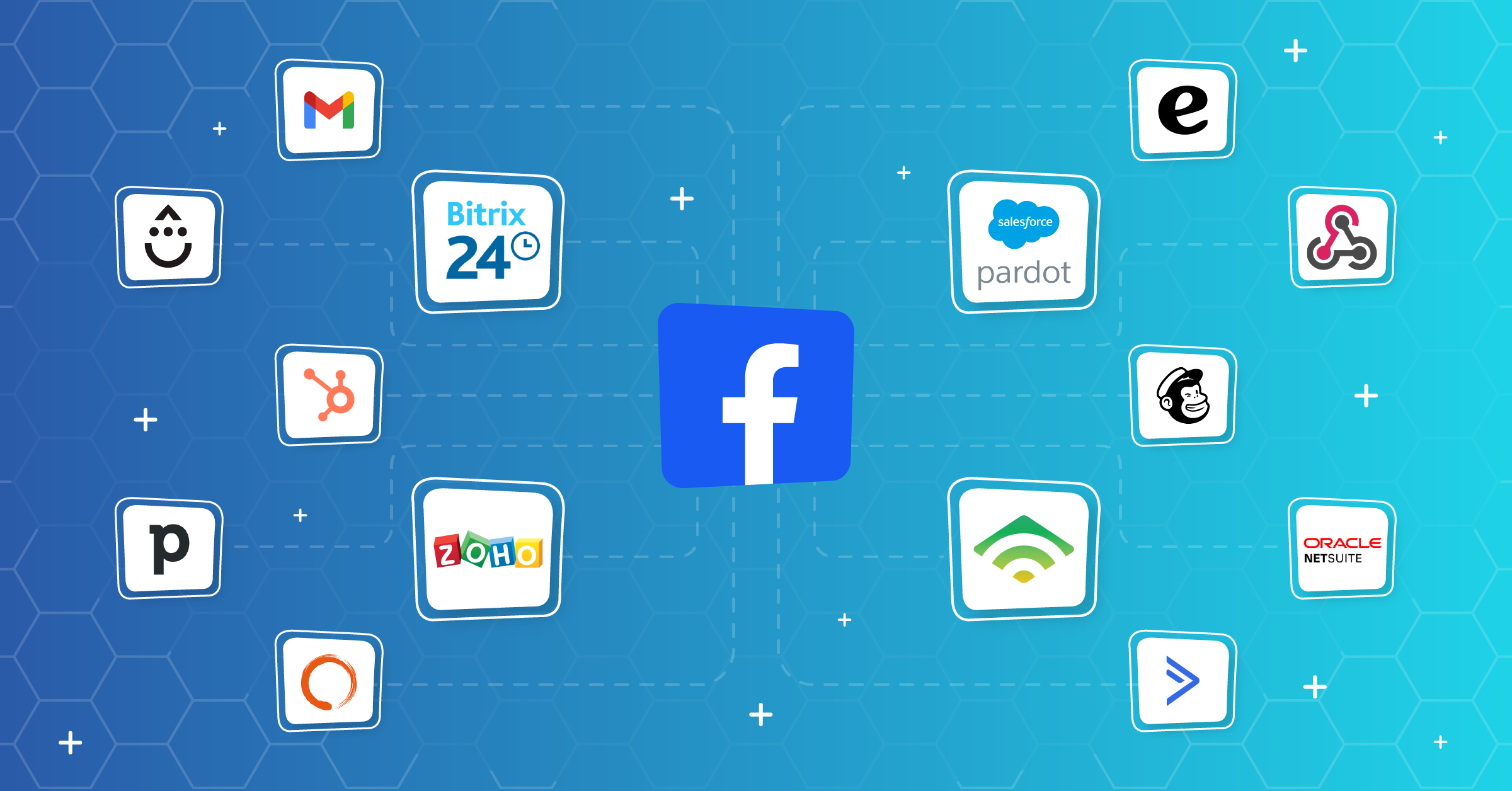
Check out these popular integrations you can use to improve your Facebook ad management:


What is Facebook ads management software?
Facebook ads management software provides tools that help businesses handle their Meta advertising campaigns better.
Managing advertising means keeping track of different marketing tasks and the people doing them to make sure that ad campaigns are effective and reach the right people across Meta platforms.
Depending on what your business needs, several tools can help you concentrate on important metrics that lead to campaign success, like return on investment, conversions, or placing ads where your target audience is most likely to see them.
Why marketers should use Facebook ads management software
As a marketer, you must have tested, reviewed, and evaluated the most popular advertising agency software to pick the best tools.
But you should have a clear-cut ‘why’ for it before actually choosing one. Your task-specific requirements should guide your decision when looking for solutions in a tool.
To make your choice easy, however, let’s review the top features that a growing business might prioritize.
Automation and efficiency
One of the primary advantages of using Facebook ads management software is automation. These tools automate:
- Repetitive tasks such as scheduling ads
- Monitoring performance
- Adjusting bids.
Once streamlined, marketers can put all their attention on strategic planning and creative development instead of data management.
Ability to optimize ads
Facebook ads management software often includes advanced optimization features that go beyond what’s available in Facebook’s native Ads Manager. This includes:
- AI-driven recommendations
- A/B testing capabilities
- And real-time performance analytics
These features help you make sure that your ads reach the right audience at the right time.
Spending less time in Ads Manager
There’s nothing like the peace of mind that comes from knowing your automation is managing your Meta ad strategies 24/7. That is exactly how you need them to be.
Getting comprehensive analytics
Detailed analytics from your Facebook ads management tools can help you understand the ins and outs of your campaign performance. You want to see every stage of your Facebook ad funnel at a granular level.
This data-driven approach lets you make better decisions and, consequently, optimize your strategies to maximize your ad spend efficiency.
Another advantage of using Facebook ads management tools is that you can better find and retarget your ideal customers to drive conversions as they browse Facebook.
Additionally, running multi-channel campaigns becomes seamless, which allows you to create consistent brand messaging across various platforms.
Facebook ad management & CRM integration: Why it matters
It’s hard to run successful lead generation campaigns without a CRM. Besides staying organized, Facebook ad management and CRM integration help you create audience segments and funnels that close the loop with potential customers.
When you connect your CRM directly to Facebook your leads flow in automatically. This also means you won’t be chasing outdated contacts.
Speed is key when following up with new leads. A quick response can increase your chances of converting since 72% of customers want immediate service.
A CRM also gives you a clear view of how your ads are performing. For small businesses especially, accessing these metrics can be a huge success factor.
Key features to look for in Facebook ad software
The right Facebook ad software should do more than help you launch campaigns. Here’s what to look for:
- Result-oriented designs: It should help you track results, move data fast, and make better decisions without extra busywork.
- Start with automation. A good tool should sync leads to your CRM, email platform, or sales system in real time.
- Look for strong reporting and attribution. You need to see which ads, audiences, and creatives are actually driving results.
- Audience management matters too. The software should help you build, update, and sync custom audiences without a mess.
- A/B testing is another must-have feature, since it helps you learn what works before you waste budget.
- Rules-based optimization capabilities. These can save time by pausing weak ads or scaling winners.
- The tool should fit your stack. If it does not connect well with the tools you already use, it will slow everything down.
Top 6 Facebook ad management software
With so many different Facebook ad management software solutions available, figuring out which is right for you is tough. You know you want to manage clients and projects more efficiently but need to figure out which tool is best.
This includes a range of activities such as organizing and tracking advertising campaigns, managing client relationships, overseeing creative projects, and handling administrative tasks like reporting.
Facebook ad management software streamlines various processes. This lets your team work more efficiently, collaborate effectively, and deliver better results for your business.
Here are a few of the best Facebook ad management software that cover these sought-after features:
| Tool | Native ad management | CRM sync | Audience sync | Automation | Reporting & attribution | AI & optimization | Lead testing | Free plan or trial |
| Meta Ads Manager | ✅ | ❌(via partner integrations) | ✅ | ❌(supports Automated Rules) | ✅ | ❌ | ❌ | ✅ |
| HubSpot | ✅ | ✅ | ✅ | ✅ | ✅ | ❌ | ❌ | ✅ |
| AdEspresso | ✅ | ❌ | ❌ | ✅ | ✅ | ❌ | ❌ | ✅ |
| Salesforce Marketing Cloud | ✅ | ✅ | ✅ | ✅ | ✅ | ✅ | ❌ | ❌ |
| LeadsBridge | ❌ | ✅ | ✅ | ✅ | ❌ | ✅ | ✅ | ✅ |
| RedTrack | ✅ | ✅ | ❌ | ✅ | ✅ | ❌ | ❌ | ✅ |
Now, let’s take a look at each of these tools in detail:
1. Meta Ads Manager

Meta Ads Manager is Meta’s built-in platform for running ad campaigns across Facebook and Instagram. It gives marketers direct access to the Meta ecosystem, so you can build, launch, and manage campaigns in one place. Simple setup. Strong native control. But not always enough if you need more advanced tools.
Key features
Meta Ads Manager lets you:
- Create, edit, and manage campaigns without leaving the platform
- Use Meta’s large pool of user data for detailed audience targeting
- Get real-time performance insights, so you can see what is working and adjust fast
Best for
This tool is best for marketers who want a direct and integrated way to manage ads on Facebook and Instagram.
It makes the most sense for teams that want native Meta features without extra software or a complicated setup.
Pricing
Meta Ads Manager does not require extra platform costs, which makes it a practical option for many teams. That said, it may still fall short if you need more advanced features than the native platform offers.Meta has addressed this shortcoming through the Meta Business Partner program, which introduces their official partners, such as LeadsBridge.
Benefits of using Meta Ads Manager
Learning to use Meta Ads Manager is not optional if you want to run ads that convert across Meta technologies. It’s the go-to toolbox for marketers who want an integrated approach to managing their Ads on Facebook and Instagram without additional costs or complex processes.
Regardless of its comprehensive features, it still may lack some advanced features found in third-party software. Meta has addressed this shortcoming through the Meta Business Partner program, which introduces their official partners, such as LeadsBridge.

2. HubSpot

HubSpot is an inbound marketing platform that also works well for Facebook ad management. It’s designed for businesses that want to handle ads, leads, and reporting in one system.
The bonus with this platform is the way HubSpot connects ad activity to the rest of your marketing funnel. And the fact that you can create, manage, and report on Facebook ads directly in HubSpot.
Key features
HubSpot lets you:
- Connects with Facebook ads so you can sync data and manage campaigns more smoothly
- Get detailed reporting and analytics, which help you track ad performance and ROI
- Access tools for lead capture, lead nurturing, and conversion tracking
Best for
HubSpot is best for businesses that want Facebook ads tied closely to their wider marketing strategy. It makes sense for teams that care about lead management, reporting, and keeping customer data organized in one place.
It’s also a strong fit for marketers who want more value from real-time lead data through integrations like LeadsBridge.
Pricing
HubSpot’s official ads tool page shows that ad management software is part of Marketing Hub, and you can get started for free. It says more advanced ad features come through other tiers:
- Free at $0/month
- Starter at $9/month per seat
- Professional at $792/month with 3 seats
- Enterprise at $3,300/month with 5 seats
Differences between connecting Facebook to HubSpot via native integrations vs. LeadsBridge
HubSpot’s integration with Facebook ads, including its integrations through LeadsBridge, makes it a powerful tool for businesses.
The difference between HubSpot’s native integrations with Facebook and connecting HubSpot’s robust platform to Meta via LeadsBridge is in one crucial aspect: real-time data sync.
If you are looking to streamline your marketing efforts and access up-to-date lead data, you want to integrate Facebook with HubSpot through LeadsBridge integrations.
A lot of the HubSpot integrations are covered in LeadsBridge’s free-forever (and no-credit-card) plan. You can test them for yourself and see what works best for your business.
3. AdEspresso

AdEspresso is a Facebook ad management tool from Hootsuite. It’s made for small to mid-sized businesses that want a more capable tool without a steep learning curve.
The platform keeps things simple. And a low learning curve matters when you need to launch, test, and improve ads fast.
Key features
AdEspresso has an easy interface that helps you:
- Build ads quickly
- Test multiple ad versions
- Understand which creative, message, or setup performs better
- Get detailed reports for easier tracking of results and optimizing campaigns over time
Best for
AdEspresso is best for small and mid-sized businesses that want better Facebook ad performance without dealing with complex tools.
Pricing
AdEspresso’s official pricing page shows:
- Starter at $49 per month with a $1,000/month spend limit
- Plus at $99 per month, supporting unlimited ad spend
- Enterprise at starting from $259 per month, supporting unlimited ad spend
These plans also show a free 14-day trial.
4. Salesforce® Marketing Cloud

Salesforce® Marketing Cloud is a strong option for managing Facebook ads, especially if you already use Salesforce® for customer data. Because it does much more than launch campaigns.
Its most robust feature is possibly how it helps you connect ads to the full customer journey, so your marketing feels more planned and less scattered.
Key features
Salesforce Marketing Cloud lets you:
- Create, schedule, and manage Facebook ad campaigns in one place
- Use Salesforce® customer data to build more specific audience segments
- Use audience data to create and run more relevant ads
- Connect Facebook ads to automated journeys based on customer actions and interests
- Access Einstein AI, which gives predictions and suggestions to help improve campaign results
- Get detailed reporting, so you can measure performance and make better decisions
Best for
This tool is best for larger teams or businesses that want Facebook ads tied closely to CRM data and broader marketing workflows. It makes the most sense for companies that need:
- Deeper personalization
- Automation
- Cross-channel coordination
It isn’t the simplest option out there. But for complex marketing setups, that can be the point.
Pricing
Salesforce®’s official Marketing Cloud pricing page shows:
- Salesforce® Starter at $25 per user/month
- Marketing Cloud Growth Edition at $1,500 per org/month (billed annually), includes Einstein-style AI
- Marketing Cloud Advanced Edition at $3,250 per org/month (billed annually), includes Einstein-style AI
Salesforce® also shows Marketing Cloud Engagement Pro+ at $2,000 per org/month on its separate Engagement pricing page.
Keep in mind that Salesforce has put Marketing Cloud Advertising Studio into retirement. All renewals end after August 15, 2026, and are directing customers toward Data Cloud Ad Audiences instead.
Wondering how to use Facebook lead automation to improve your ads? Learn more here.
Advantages of using Salesforce® Marketing Cloud with Facebook ads
Using Salesforce® Marketing Cloud allows you to create very highly targeted ad campaigns on Facebook. This can significantly boost engagement and results.
Also, it helps connect Facebook ads into larger customer journeys and across multiple marketing channels. These automated data bridges create a complete solution that in turn, improves your advertising.
You can connect Salesforce® Marketing Cloud to Facebook via LeadsBridge to manage your data from a centralized hub and your leads as they come in.

Discover more about Salesforce® Facebook integrations you can use here.
5. LeadsBridge

LeadsBridge is built to connect the marketing tools you already use with Meta platforms like Facebook and Instagram. Its main job is automation.
It helps move data where it needs to go, without manual work slowing things down. For teams that care about lead flow and clean syncing, that is a must-have.
Key features
With LeadsBridge, you can:
- Automatically sync lead data from Facebook lead ads to your CRM, email platform, or other marketing tools
- Send CRM segments, email contacts, and customer lists back to Meta, which helps with more accurate targeting
- Integrate your data so you can build user-based journeys and score leads as they move through your funnel
- Sync data in real time with no coding required.
- Access a lead ads testing tool. That testing feature lets you check your forms and data flow before launch, so you can catch problems early.
- Access LeadsBridge Performance Booster, which sends post-lead CRM outcomes back to Meta through the Conversions API, so Meta can optimize for leads that actually convert.
Best for
LeadsBridge is best for marketers who want to automate Facebook and Instagram ad workflows without adding more manual steps. It’s a strong fit for teams that rely on:
- CRM syncing
- Audience targeting
- Fast lead delivery
Also good for businesses that want to test their lead setup before spending money on live campaigns.
Pricing
LeadsBridge’s official pricing pages show starting prices at:
- Free at $0/month
- Starter at $29/month with 3 bridges and 800 leads/month (billed annually)
- Pro at $79/month with 15 bridges and 2,000 leads/month (billed annually)
- Business at $999/month billed annually
How LeadsBridge boosts your Facebook ads optimization system
LeadsBridge stands out for its extensive integrations with Meta. These capabilities make it a valuable tool for marketers looking to automate their workflows.
Besides real-time data sync and no-code integrations, you can use LeadsBridge to take advantage of the Facebook lead ads testing tool.
This solution lets you check your lead ads before you launch them. You can also use it to see how well your lead generation form performs without actually displaying the ads on Facebook.
Once you set up your bridge on LeadsBridge, it’s immediately active. It means any test lead you send through this tool will sync with your chosen destination. This lets you ensure that the link between Facebook and your preferred marketing app works flawlessly.
Here’s a guide you can follow to connect Facebook lead ads with your marketing apps for free.
6. RedTrack

RedTrack is a cloud-based tracking and attribution platform built for performance marketers running Facebook ad campaigns.
It does not replace Meta Ads Manager but it can work great alongside it. The main value is better tracking, cleaner attribution, and faster optimization when native reporting is not enough.
Key features
RedTrack’s top advantages are:
- Using server-side and API-based tracking, including the Conversions API, to capture conversion data that browser tracking can miss.
- Attributing conversions and revenue across different touchpoints and campaigns for a clearer view of what is driving results
- Offering a unified dashboard for tracking ad performance, spend, and ROI in real time
- Supporting automation, like pausing weak ads or scaling campaigns that are performing well
- Offering fraud detection to help spot invalid traffic and protect ad spend
Best for
RedTrack is best for:
- Marketers, agencies, and performance teams managing large or multi-channel Facebook campaigns
- Businesses that need more accurate attribution, more automation, and a better way to measure results across channels.
Pricing
RedTrack’s official pricing page shows two main plan tracks:
Affiliate & Lead Gen:
- Solo at $149/month
- Team at $399/month
- Enterprise at $999/month
Ecommerce & D2C:
- Relay at free
- Brand at $199/month
- Agency at $599/month
These also come with lower annual prices, and RedTrack lists add-ons such as Ads Manager from $200/month and Scale Rules from $200/month.
Facebook ads management for small businesses: Top tips
Running Facebook ads has a reputation for being overwhelmingly difficult to get right. But they can be quite rewarding. Here are a few practical tips to help you make the most of Facebook ads:
1. Let automated ads do the hard bits
You don’t need to be a marketing expert to run ads that convert. Meta’s Automated Ads can take a lot off your plate.
Just answer a few questions about your business and goals, and it’ll build a tailored plan for you. It includes the following and more:
- Copy suggestions
- Audience targeting
- Budget recommendations
It’s an easy way to start if you’re short on time or still learning the ropes.
2. Keep your ads fresh
Pay attention to the performance tips Meta sends you. If you get a notification suggesting a new image or updated copy, follow it.
These minor tweaks can keep your ads from going stale and improve your results without spending more money.
3. Book more with less effort
If you run a service-based business, use the built-in appointment tool. It lets customers book directly through your Page, and you can manage everything in one spot.
Automated reminders can reduce no-shows. In a 2026 survey, 84% of patients said they’d be more likely to attend if they received a text reminder.
4. Don’t overthink your video content
Facebook’s built-in editing tools like cropping and text overlays can help you quickly turn raw footage into ads that look clean and professional.
You don’t need expensive software or a production team. All you need is an understanding of your audience and an idea that is aligned with the type of content they will engage with.
5. Keep an eye on metrics
Focus on results that actually impact your business, like leads, purchases, or bookings. If you do not see results, it just means that you need to change something: your audience, creativity, or budget based on the recommendations Meta provides.
FAQs
1. What is Facebook ads management software?
Facebook ads management software helps you create, track, optimize, and report on ad campaigns. Some tools also help with lead syncing, audience targeting, automation, and attribution.
2. What is the best software to manage Facebook ads?
The best tool depends on what you need. Meta Ads Manager is best for native campaign control. LeadsBridge is strong for automation and data syncing. HubSpot and Salesforce® Marketing Cloud are better for teams that want ad management tied to CRM and lead workflows.
3. Do I need third-party software to run Facebook ads?
No. You can run Facebook ads with Meta Ads Manager alone. However, third-party software can help a lot when you need better nurturing and automation, deeper tracking, real-time lead sync, or easier reporting across tools.
Final thoughts
Ads across Meta’s platforms are a powerful advertising channel. Without the right ad management solution, however, you are likely to lose more than you gain from running your ads.
Selecting the best Facebook ad management software can significantly impact the success of your marketing campaigns. Among all the features, using LeadsBridge in combination with Meta Ads Manager can give you all that you need.
The Ad Manager lets you create, optimize, and manage your ads and targeting, while LeadsBridge gives you all the tools for building automated workflows or seamless data synchronization.