
TL;DR
- Meta event match quality is a score out of 10 in Meta Events Manager. It tells you how well Meta can match your events to real people on Facebook and Instagram.
- If it’s low, Meta can’t see a big chunk of your conversions, so it’s optimizing with half the picture.
- To raise it, send more customer information with every event. Email, phone, name, city, and the Facebook click ID.
- The pixel on its own can’t get most of that. The Conversions API can.
- LeadsBridge connects your CRM to the Conversions API without any code, so that data actually gets sent.


So your Meta campaigns aren’t performing, and you can’t figure out why?
Let’s say that your offer is solid, the creatives tested well, and your audience targeting makes sense. But your cost per lead is growing, and the conversions in Ads Manager barely resemble those in your CRM.
Most will go back to the drawing board, changing creatives or swapping the audiences or changing the bid strategy.
But there is this metric buried inside Events Manager that rarely gets the attention it needs and could be the reason behind poor performance.
This metric is called event match quality (or EMQ for short), and it measures how well Meta understands the customers that convert on your site or application. And when it’s low, everything goes downhill.
The good news is that you can fix it, and this guide covers just that.
In addition, we’ll talk about the best integrations that you need alongside your Facebook ads to improve their performance.
What is event match quality?
Meta event match quality is a score that has a lot to do with your conversion tracking.
It ranges from 0 to 10, given by Meta for each of your events, and tells you how good your data is when it comes to targeting. The event match quality scores also show how much Meta is able to take something you threw at them (Purchase, Lead, etc.) and match that to somebody’s Meta account.
So every time somebody converts, you give Meta information about that person, and it looks into this data and tries to see who it belongs to (audience-wise).
If you only feed the platform data from a browser cookie and an IP address, it has nothing to go by.
But if you give Meta a hashed email, a phone number, a name, and the click ID from the ad, they know exactly who it was that converted.

Based on this understanding, the score then shows how much information Meta is getting from your events. And you get a separate score for each event, which is great, because your PageView score might be excellent while your Purchase score is terrible.
Here’s a rough breakdown of what the score means:
- 0 – 3.9: Something is wrong; most of your traffic is probably unusable
- 4 – 5.9: Common, but you are leaving serious money on the table
- 6 – 7.9: Most of your events are ok, but there is room for improvement
- 8 – 10: You are doing fine
You want to go for 7 or higher on the events that matter to you, but be prepared to put in serious effort to get to 10. And probably not worth it.

How does Meta event match quality score impact your ad performance?
Having a low score and need to improve your Meta event match quality score? Let’s see what a low score means for your ads.
It’d basically cost you in three ways:
- Weakens algorithm training
Meta ads best practices always consider how Meta’s algorithm learns from matched conversions. Unmatched events teach it nothing, so a low score means it’s optimizing against an incomplete picture of who your buyers are.
Not a great strategy, to say the least.
- Moves your cost-performance dynamic
Second, it causes lower ROI (numbers come in lower than they should, since Meta cannot attribute the sales to the ads). Your high-converting Meta ad campaign may show as just ok, and you may end up throwing money away on underperforming channels.
- Limits reach
And third, your audiences get smaller. Lookalike audiences are built using matched events, and conversions that could not be matched are not counted. The weaker your match, the smaller your audiences.
You may not realize how impactful this is, but the difference between a good and a bad setup is much bigger than it appears.
When reviewing over 50,000 ad accounts, a study found that the ones that used both the pixel and the Conversions API had an average of 8.2 EMQ for Purchase events, whereas the ones that used only the pixel had an average of 5.1.
That basically means that Meta only sees half of your customers.
There is a reason for this gap, and it does not have to do with your customers. Browsers and extensions block the pixel script outright, and Safari’s ITP expires first-party cookies like _fbc after seven days.
Meta has also recognized these causes for concern in 2026, and it blames browsers for up to 30-40% of events being lost due to tracking being disabled.
How to improve event match quality on Meta
Here are the main things you need to be doing, in roughly this order.
1. Send more customer information with every event
The single best thing you can do to improve your score? Include as much information as possible with every event, because Meta rewards the quantity of identifiers.
Here’s what you need to send:
- Email address (this is by far the most valuable identifier)
- Phone number
- First and last name
- City, state, zip code, country
- External ID, i.e., your own customer or lead ID
- Facebook click ID (_fbc)
- Browser ID (_fbp)
Email alone tends to get you a 5 or a 6. With phone, name, and location, you’ll be in the 8s.

2. Get the Conversions API running
The pixel is a client-side library, which means it can be blocked by browsers. The Conversions API sends the same events, but from your server, so browser-side blocking doesn’t apply to it.
It also has access to identifiers that the browser might not have access to or expose. For example, if someone filled out a form on your website last week and then buys something today, the server will have their email, but the browser might not.
You want to run both the pixel and the Conversions API, as they’re complementary: the pixel gathers information about browsing behavior, and the Conversions API fills in the gaps.


3. Set up deduplication before you do anything else
If you’re running the pixel and the Conversions API in parallel, Meta needs to know that you’re not double-counting the same event. To do that, make sure that the same event_id and event name are being sent by both.
If you send different IDs, Meta will count them as two separate events and your conversions will be double-counted. Your Meta ad reporting will look amazing, but every other action you take based on that will be wrong.
4. Clean your data before you hash it
Meta wants the personal information hashed with SHA-256. This means that John.Doe@Email.com and john.doe@email.com would produce two different hashes.
So your messy database won’t match any users at all and will simply fall through unmatched.
Tidy it up before hashing. For instance, remove spaces, lowercase everything, and for phone numbers, use digits only with the country code at the front.
If Automatic Advanced Matching is on, Meta hashes the browser-captured data for you.

You basically normalize and hash yourself unless you use one of Meta’s Business SDKs, which handle it.
5. Ask for details earlier in the funnel
Many events have poor identifiers because they’re captured at the bottom of a sales or marketing funnel. This is to say, identifiers only exist at the last step, so upper-funnel events (ViewContent, AddToCart) have nothing to match on.
Capture an email address earlier, through a newsletter opt-in, quiz, quote request, or lead generation ad.
All of these will give you an identifier that you can then attach to the conversion event.
6. Hang on to the click ID
The _fbc cookie is stored in the browser when someone lands on your site, and it contains a reference to the ad that brought them. When you send an event to Meta, make sure you include this cookie’s value so they can associate the event with the correct ad.
To get it, you need to read the query parameter fbclid in the URL when the user arrives on your page. Make sure that you’re storing and sending it with every event. One of the most common errors reported in Events Manager is missing _fbc coverage.

7. Have a look at your consent setup
If your banner is blocking the pixel before a person consents to it, events are lost, and Events Manager can’t alert you about it.

You want to make sure that whatever data you do have consent for is reaching Meta. Usercentrics has a good explanation of how consent and EMQ work together.
How automated data bridges support Meta event match quality
Implementing the tracking on the server usually requires the engagement of a developer, additional costs for hosting, and some maintenance that no one in the team is eager to do.
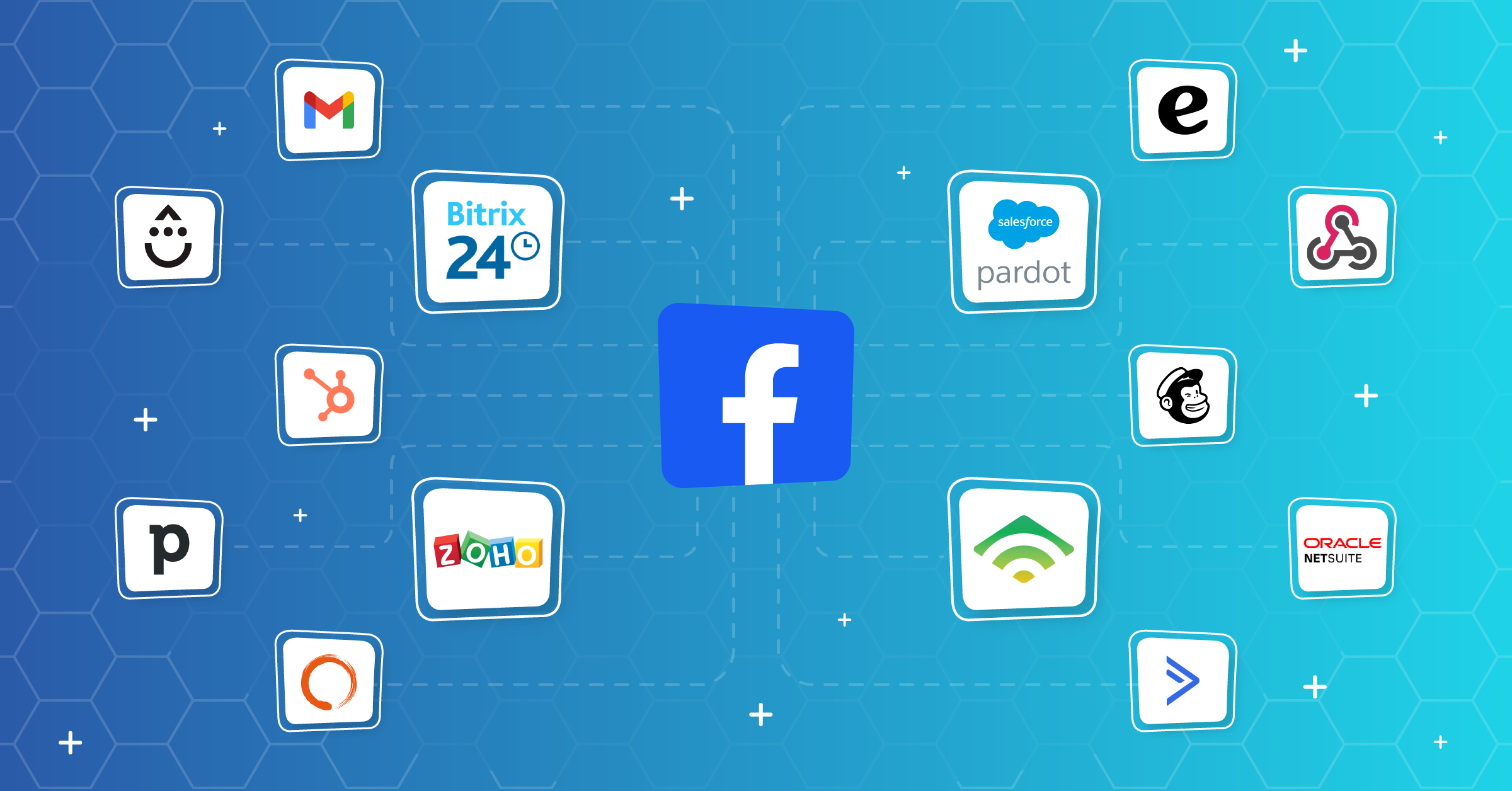
This is where LeadsBridge integration for the Facebook Conversions API comes into play. It connects your CRM, the e-commerce platform, or any other database with Meta, and all necessary events are sent to Meta from the server-side with the required parameters.
Thanks to these automated data bridges, your team can fully customize all the keys that will carry the information about the user to Meta.
The integration allows for:
- More complete events
The advertiser usually has a large amount of user data in their CRM that can be used in Facebook ads and is relevant. This can be an email, phone number, name, and other parameters.
With the right data mapping, you can match this data to the corresponding Meta parameters and, by doing so, perform the necessary hashing of personal data.
- Off-platform conversion data transfers
Conversions that occurred off the platform can also be sent to Meta. This is useful in the case of, for example, a call from a customer, resulting in a deal. The conversion that occurred offline can then be used to optimize Facebook ads.


Learn more about conversion lead optimization here.
- Easy setup
The best part is that no coding skills are needed. The advertiser only needs to select the parameters in the interface. The integration is done automatically.
- Transferring lead data in near real-time
Leads from your Meta lead ads appear in your CRM the moment someone hits submit, prefilled with an email, a phone number, and a name. These are identifiers you can get for free, and syncing them back will make your Lead events carry all three instead of a cookie.


- Dynamically syncing contact segments into Meta
Your consented CRM segments are pushed across as custom audiences and dynamically refreshed, so that your retargeting stops depending on how many events Meta was able to match on its own and starts using the list you hand to it.


If you want to go further, the LeadsBridge Performance Booster adds audience syncing and lead syncing on top.
FAQs
It’s a value from 0 to 10 in Meta Events Manager that reflects how successfully Meta matched your events to real users’ accounts.
The higher the score, the more conversions are attributed to the ads, and the better the audiences are. If the score is below 5, it indicates that there may be some issues in the tracking process.
The quality of the match can be improved by providing more lead and customer data with each event. The first two parameters to reach are the hashed email and phone number, followed by name, location, external ID, and the _fbc, _fbp cookies.
Then, the recommended improvement is to implement the Conversions API to make sure that the events are delivered to Meta even if the pixel failed due to any browser issues.
By visiting the Events Manager and choosing a specific dataset, then heading to the Overview tab. There, you can click on an event of interest, such as Purchase or Lead, to see its match quality score, the list of parameters available for matching, and their frequency.
Also, pay attention to the Diagnostics tab. Meta provides the most relevant issues detected for the event, such as insufficient _fbc coverage or deduplication problems there.
Final thoughts
Did you know CAPI implementation across multiple accounts improves ROAS by 15 to 20% after the optimization of your Meta event match quality?
The solution also allows for the connection of additional audience sources and synchronization of leads, which is available in the LeadsBridge Performance Booster product.
Take a look at the LeadsBridge integration for the Facebook Conversions API and start sending Meta the data it’s been missing.