TL;DR
- WhatsApp gets opened almost instantly, so replying to Facebook leads there beats email or cold calls.
- You can connect Facebook leads to WhatsApp via the official API, Click-to-WhatsApp ads, or automation tools.
- The API needs a new number and setup, and got more expensive with 2026’s per-message pricing.
- Automation tools (like LeadsBridge) let you reply from your own WhatsApp number, no API needed.
- Speed matters most: leads contacted within 5 minutes convert way better than those contacted later.
- Personalize your first message, respond fast, and always respect leads’ data and opt-outs.
If you’re generating leads through Facebook, WhatsApp is the fastest place to follow up.
People open it within minutes, so your message lands while they still remember clicking your ad.
In this guide, we’ll walk you through how to send Facebook leads to WhatsApp automatically.
Also, this article includes practical tips to make your conversations more effective and tools such as Facebook lead ads WhatsApp integration to automate the process.


Why you should send Facebook leads to WhatsApp automatically
WhatsApp is where people expect direct communication. Let’s take a look at what makes this app an interesting asset to businesses:
WhatsApp is a cross‑platform messenger that swaps costly SMS fees for data‑based chats. You can use it to send over texts, photos, videos, voice notes, and even jump on voice or video calls.
About 175 million people message a WhatsApp Business account every single day.

WhatsApp now has around 3.3 billion monthly users, and Meta expects that to hit 3.5 billion by the end of 2026.
Also, the median time from message to purchase is 47 minutes for WhatsApp campaigns, versus 14.8 hours for email.
So when a lead submits an instant form on Facebook, following up with a WhatsApp message can bring in great response rates.
Think about it from the lead’s perspective.
They just clicked your ad, showed interest, and gave you their info. Are they more likely to respond to an unknown number calling out of the blue?
Or would they prefer a quick WhatsApp message that feels non-intrusive?
Here’s why WhatsApp works so well for Facebook lead follow-up:
- Immediate response: You reach people while they’re still thinking about your offer, instead of hours later when the moment’s gone.
- Better visibility: WhatsApp messages get seen. Open rates run around 98%, way ahead of email.
- Low friction: It’s the app people already use with friends and family, so a message from you doesn’t feel like an ad.
- Multimedia ready: Send images, videos, PDFs, or voice notes right in the chat instead of making people click through to a website.
- Global coverage: Whether your leads are in the US, India, Brazil, or Europe, odds are they already have WhatsApp open on their phone right now.
- Built for business: WhatsApp Business lets you set up auto-replies, product catalogs, and quick links to booking or support tools, so a chat can actually close a deal.
How to connect Facebook lead ads to WhatsApp
There are three main ways to connect Facebook leads to WhatsApp.
WhatsApp Business API
First, using the official WhatsApp Business API. This method lets you send automated messages to leads, but there’s a catch. It doesn’t work with your regular WhatsApp or WhatsApp Business app.
You’ll need to set up an official API account (which can be expensive), and you won’t be able to use your existing phone number.
Keep in mind that the API’s pricing changed in 2026. Meta moved WhatsApp Business API billing from per-conversation to per-message starting mid-2025, and so far it has kept shifting through 2026.
Starting October 1, 2026, Meta charges for both service messages and free-form replies. Service message charges start at the same per-message rate as utility and authentication templates.
Click-to-WhatsApp Ads
A second option is Click-to-WhatsApp Ads (CTWA). Someone taps the ad and lands directly in a WhatsApp chat with you.
To set it up, link a WhatsApp Business account to Meta Business Manager, then choose the Engagement or Messages objective in Ads Manager with WhatsApp as the destination.
CTWA and lead ads solve different problems, though, and most businesses end up running both. For the leads that still come through a form, an automated data bridge picks them up the moment they’re submitted and gets them into WhatsApp without any manual work on your end.
Using automation
The third way is using automation. This is a simpler and more flexible way to start conversations with your leads on WhatsApp. With LeadsBridge’s integration, you’ll be able to:
- Reply instantly from your existing WhatsApp or WhatsApp Business app
- Skip the manual work such as copy-pasting or switching between tools
- Use your own Android phone as a gateway, which doesn’t require an API setup
- Send pre-personalized WhatsApp messages with one tap
- Automatically receive new lead alerts the second someone submits your Facebook form
LeadsBridge keeps your Facebook lead ads, website forms, or other lead sources synced in real time. The best part of these integrations is that they work with the tools you already use and take seconds to set up.
Our Facebook lead ads WhatsApp integration is currently in waitlist mode but it’s worth getting on early. If you want to be one of the first to get notified, join the waitlist here.
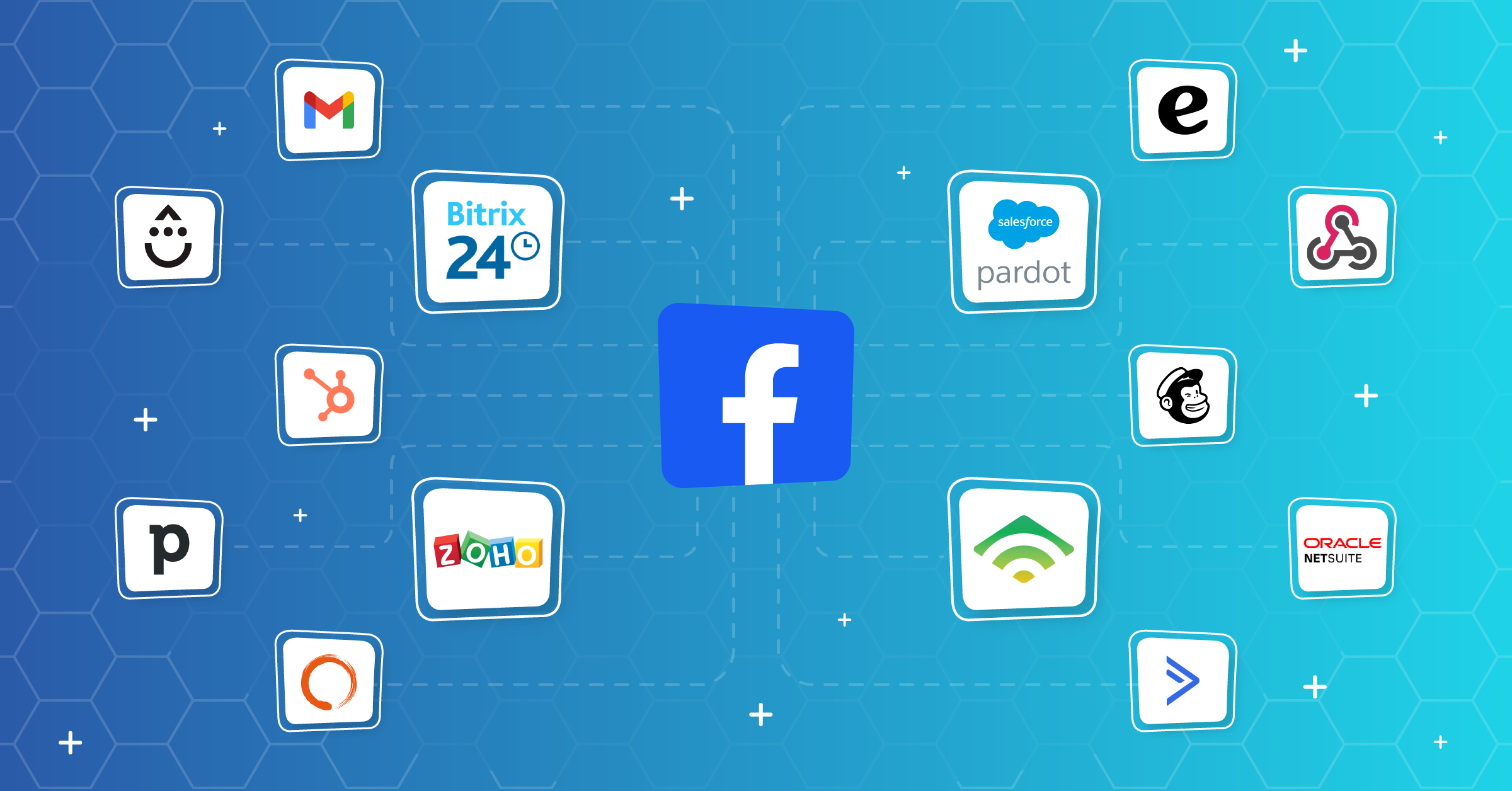
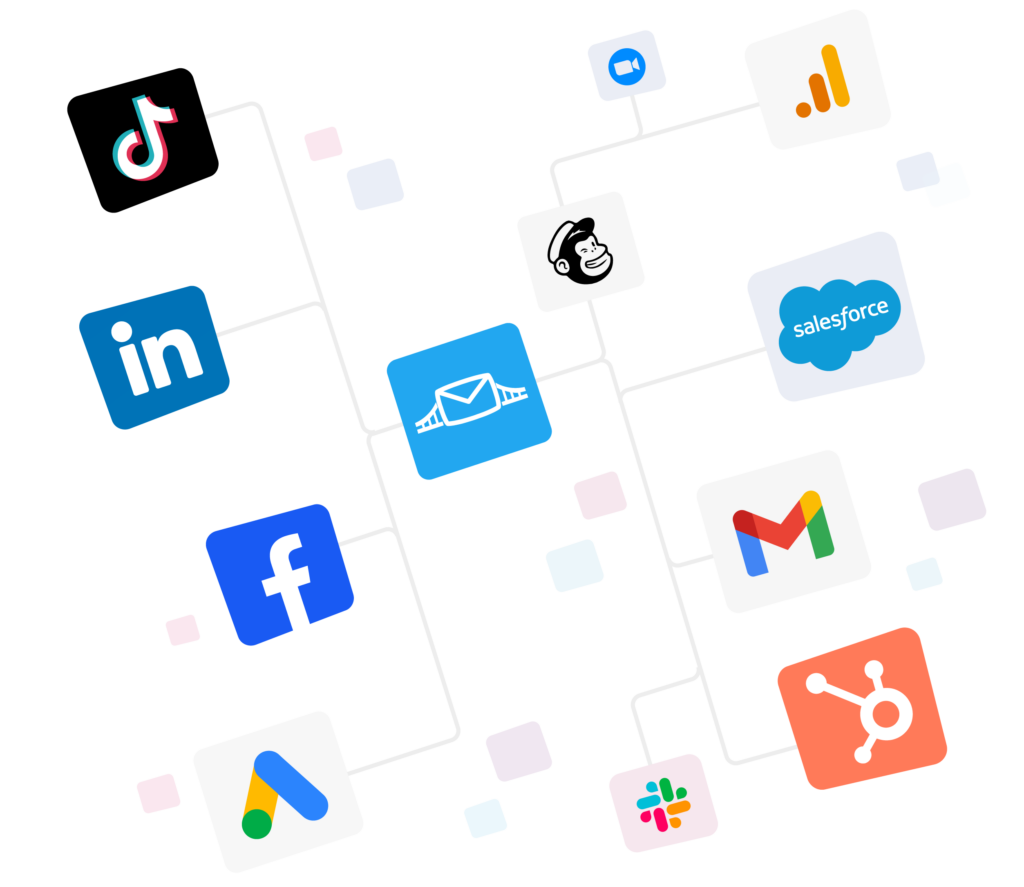
Beyond WhatsApp, lead ads automation allows you to create an interconnected stack so you’ll have visibility over your lead data in a single place. That means if anyone opts out, you’ll get notified and won’t get in touch with them via WhatsApp or other apps.
Haven’t automated your Facebook lead ads yet? Here are some of our popular integrations that businesses swear by:


Best practices for chatting with Facebook leads on WhatsApp
Once your Facebook leads land in WhatsApp, the next step is to manage those conversations.
Here are some best practices to help you engage leads, keep things professional, and improve your conversion rates:
1. Personalize every message
A generic “Hi” or “Hey” and then jumping right into the body of the message feels a bit dry for most receivers. Stats show that 72% of customers engage only with messages that are personalized.
Start with the lead’s name and reference what they signed up for. To add to this, you can use templates and WhatsApp flows to personalize your messages without extra effort.

2. Be quick to respond (ideally in minutes)
Leads go cold fast. If someone fills out your form, they’re most engaged in the next 10–15 minutes. Use automation tools like LeadsBridge integrations for connecting Facebook leads ads to WhatsApp and get notified instantly as they come in, so you can send a quick reply.
3. Set clear goals for each conversation
Before you type anything, know what you want to achieve. Are you confirming interest, booking a call, or answering a question?
Keep the chat focused and goal-driven.
4. Use multimedia to keep your conversation interesting
Text alone can get boring. Send a quick product image, a voice note, or a short demo video to make your message more engaging and help the lead visualize what you offer.
5. Craft strong opening messages
Your first message sets the tone. Make it warm, relevant, and short. Avoid copy-paste intros: people can tell. If you can mention something specific from their form or ad click, do it.
6. Use customer insights to guide the conversation
The more you know about the lead, the better. If you can access their behavior, preferences, or past interactions, tailor the message accordingly. People respond best to messages that feel like they were written just for them.
How automation tools connect Facebook leads to WhatsApp
When someone fills out a lead form on Facebook, that lead doesn’t sit anywhere useful by default. It lives inside Meta’s system until you go pull it out.
Facebook’s own lead ads setup is built around this:
- Leads are captured through an instant form,
- Then either read manually from Meta’s system or retrieved through their Graph API using webhooks.
The API requires developer access, app review, and ongoing permissions to keep working. That’s the gap an automation tool closes.
An automation tool connects Facebook and WhatsApp and moves the lead automatically, the second it comes in. Here’s the basic flow:
- Someone fills out your Facebook lead form.
- The automation tool picks up that new lead immediately, using the same webhook connection Facebook already supports.
- It pushes the lead’s info straight into WhatsApp, either as a notification to you or as the start of a pre-written message to the lead.
- You reply from your own WhatsApp or WhatsApp Business app, no separate dashboard, no copy-pasting names and numbers by hand.
The reason this matters comes down to speed. Leads contacted within 5 minutes are far more likely to convert than leads contacted even 30 minutes later, and the average business still takes over a day to follow up on a new lead at all.
Every minute spent manually exporting a CSV or copying a phone number from Meta’s Ads Manager is a minute a competitor could be replying first.
So instead of building your own Graph API integration, going through app review, and maintaining webhooks yourself, LeadsBridge handles that connection for you and drops new Facebook leads straight into WhatsApp, using your existing number (not a separate API account).

You basically skip the setup Meta’s developer docs walk through line by line, and you skip the delay between a lead submitting a form and someone on your team actually seeing it.
FAQs
1. What is a Facebook leads to WhatsApp integration tool?
It’s basically a bridge between the two. Someone fills out your Facebook lead form, and the tool grabs that lead the second it comes in and drops it into WhatsApp for you. No manual exporting, no copy-pasting numbers into your phone. LeadsBridge does exactly this.
2. How to get Facebook leads on WhatsApp?
Two real ways. Go through the official WhatsApp Business API, which works but needs a new number and comes with its own pricing (and it got pricier in 2026).
Or just use automation, which plugs into your existing WhatsApp and skips the setup headache entirely. Automation’s the easier route for most people, honestly.
3. What is the difference between WhatsApp and WhatsApp Business for lead follow-up?
Regular WhatsApp is just… chat. WhatsApp Business gives you the extras made for this exact job: auto-replies, product catalogs, quick links to booking or support. If you’re following up on leads at any real volume, Business is the one you want.
4. How quickly should I follow up with Facebook leads on WhatsApp?
Fast, as in minutes-fast. Leads contacted within 5 minutes are way more likely to convert than ones contacted even half an hour later, and most businesses still take way too long to respond. The lead’s still thinking about your ad right after they click, so that’s your window.
Final thoughts
Sending Facebook leads to WhatsApp is important because it bridges the gap between interest and a real conversation. Unlike email or cold calls, WhatsApp feels personal, so it gets higher open rates, which can dramatically increase your chances of converting them.
But let’s not forget how you handle data matters, too.
When chatting on WhatsApp, always respect your lead’s data and privacy. Only collect what’s necessary, be clear about how their info is used, and avoid over-messaging.
If they opt out, make sure their data gets removed, so you don’t accidentally contact them again.
Use platforms like LeadsBridge that are official Meta business partners and support secure data syncs while having full visibility over your marketing data.