Automated lead management might sound complex, but at its core, it’s simple:
The idea is that instead of your team doing it by hand, you use software to send the right message to the right lead at the right time, automatically.
If you’re a Marketing Specialist or Sales Manager with a lean team, lead nurturing automation is how you scale without adding more people to your team.
So what should we start with? And how?
In addition, it explains the 5 practical lead nurturing automation strategies, including how to use LeadsBridge integrations to set them up.


What is lead nurturing automation?
Lead nurturing is the process of building relationships with people who aren’t ready to buy yet, by sending them helpful, relevant content over time.
Lead nurturing automation means you use tools (like CRMs, marketing automation platforms, and integrations) to:
- Track what leads do (click, open, visit pages, fill forms)
- Automatically send the next email, SMS, or ad based on their actions
- Move them from “cold” to “sales-ready” without manual chasing
Instead of someone exporting CSV files from your lead ads and importing them into your CRM every day, the system just syncs data and triggers workflows on its own.

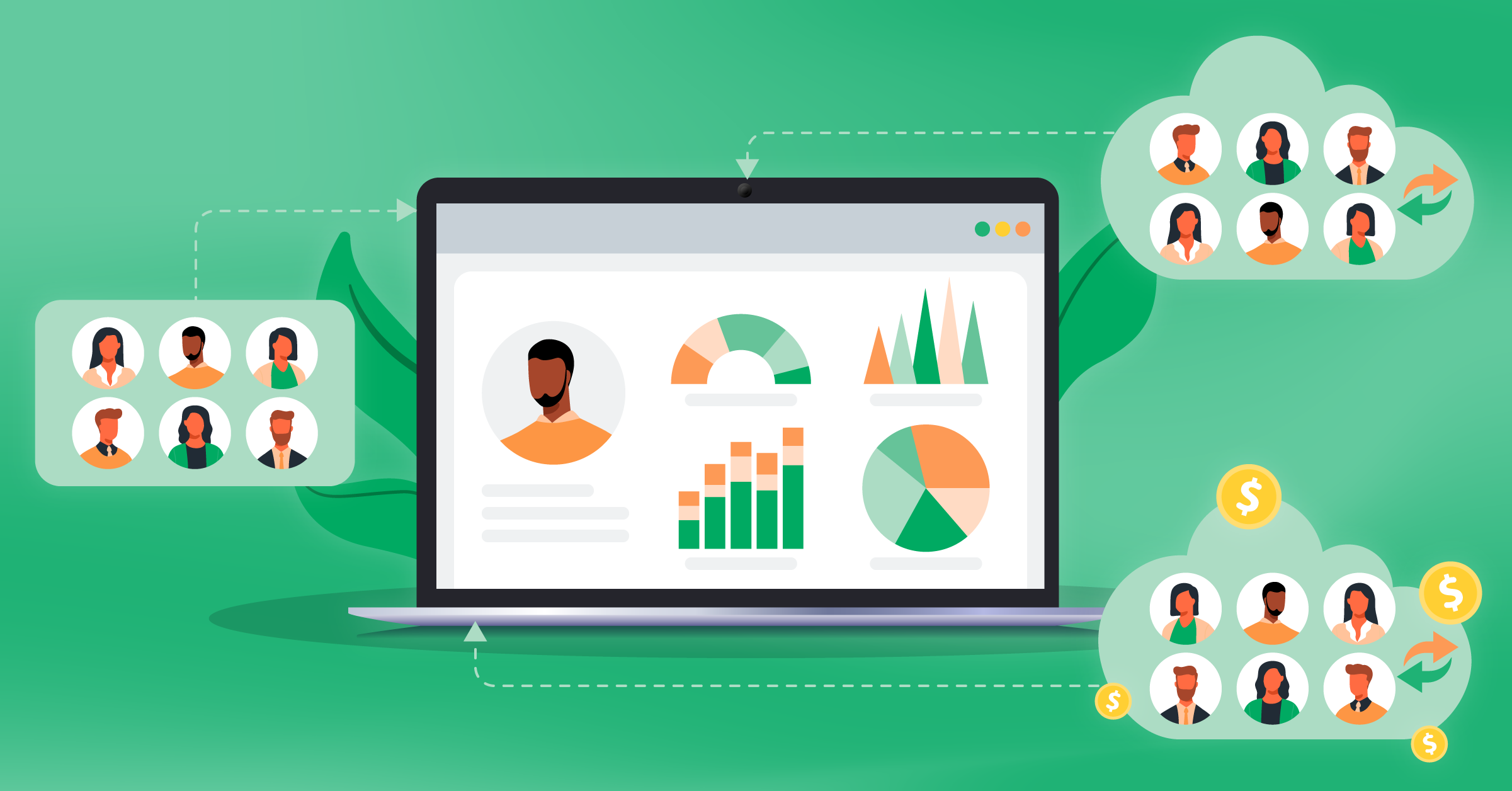
That’s where integrations come in. They sit between your ad platforms and your CRM or marketing automation tool, where you transfer all this data.
How lead nurturing automation works
Here’s a basic flow for automated lead nurturing:
Step 1: Leads come in through your advertising channel
A user fills in a Facebook lead ad, LinkedIn Lead Gen Forms, Google Lead Form, TikTok Lead Gen, or a website form.
Step 2: Their data gets synced in real-time
Your pre-set integration pushes that lead instantly into your CRM or marketing automation tool (HubSpot, ActiveCampaign, Marketo, Keap, etc.).


Step 3: The data in your CRM goes through segmentation and scoring
With pre-defined parameters, your system tags the lead (source, campaign, industry, stage) and may give them a score based on their behavior and profile.
Step four: Automated workflows send your communications out
Emails, SMS, and remarketing ads start based on rules. For example:
- If the lead downloaded the ebook A, put them in the 7-day nurture sequence
- If the lead visited the pricing page 3 times, alert sales
Step 4: All campaigns should have routine conversion tracking and feedback
When a deal closes or an offline sale happens, you send that data back to ad platforms (via tools like Meta Conversions API, LinkedIn Conversions API).


This helps campaigns optimize for the actual results you are getting.
And that’s the entire system.
Top lead nurturing automation strategies
Lead nurturing automation helps you close more deals with less work.
Companies that use it well get about 50% more sales-ready leads while spending around 33% less per lead.
Leads that are nurtured also spend about 47% more and buy around 23% faster than those that aren’t.
And, most marketers (about 80%) who use automation say they get more leads than teams that don’t use it at all.
Now, let’s talk about lead nurturing automation strategies you can actually use.
Strategy 1: Sync every lead in real time so you can follow up fast
Speed is the factor to watch out for when responding to your leads. If you wait hours to contact a new lead, they’ve probably filled out a competitor’s form too.
If you contact them within 5 minutes, you’re about 21 times more likely to turn them into a customer.
Manual downloads from ad platforms cannot simply keep up with these numbers. That’s why any robust lead nurturing automation setup starts with zero CSV files.
Here’s how to set up automated lead sync:
Use LeadsBridge’s Lead Sync to connect your ad platform to your CRM or autoresponder. It can be:
- Facebook & Instagram lead ads
- Google Ads Lead Form Extensions
- LinkedIn Lead Gen Forms
- TikTok Lead Generation
- Snapchat Lead Generation
The best part is that LeadsBridge is an official partner of all these top platforms, so you’ll get flawless, specialized data bridges with all of them.
Also, you can set up these integrations in just a few clicks.
Once connected, you can:
- Send instant autoresponder emails: “Thanks for your interest, here’s your guide or offer.”
- Trigger SMS notifications to sales reps when high-value leads come in.
- Auto-assign leads to the right owner or pipeline based on campaign, country, or product.


Strategy 2: Build simple segmented email nurture sequences
Email is still one of the strongest channels for lead nurturing when it’s personal and relevant.
Personalization and segmentation are key to engagement and conversion in lead-nurturing best practices.
Instead of one generic newsletter, build segmented nurture workflows inside your marketing automation tool.
Integrating your system with the marketing automation platforms you use (ActiveCampaign, Marketo, Keap, GetResponse, Klaviyo, etc.) helps you set up these workflows automatically.
For deeper email-specific tactics, learn more about email nurturing for businesses.
Strategy 3: Use multi-channel nurturing
Emails are great. But modern lead nurturing automation strategies are multi-channel or omnichannel by default.
For a successful setup, combine email, CRM tasks, and ads so your brand pops up in several places over time.
You essentially need to put your nurturing on every channel that matters:
- Email to run the sequences we just talked about.
- Remarketing ads using Audience Sync to create always-updated audiences based on your CRM and marketing automation lists.
- Social and optimized messaging to add steps in your workflows, like “create a task for a sales rep to connect on LinkedIn” for high-value accounts. Also, use SMS for time-sensitive nudges (webinar starting soon, trial ending).
- Lead follow-up that combines Lead Sync, email, and retargeting so someone who fills your lead ad gets an instant email, SMS if high value, and a retargeting ad with a stronger offer.
Learn more about CRM retargeting here.
Strategy 4: Score and prioritize leads so sales focuses on the right people
A key best practice across lead nurturing guides is to score and segment leads based on profile and behavior, then route them to the right path.
You need to score them by giving points for:
- Form type (demo request > ebook)
- Key page views (pricing, case studies)
- Email engagement (opens, clicks, replies)
- Firmographic data (job title, company size, industry)
To put that in perspective, here’s a visual example of profile-based lead scoring:

As scores go up, take it a step further by using a structure similar to the one below:
- Hand-intent leads (demo requests, high scores) should be auto-assigned to sales and alert reps
- Medium-score leads should stay in automated nurture
- Low-score leads should get low-frequency email and light retargeting only
You can send back custom events and actions (like “Qualified lead” or “Demo booked”) straight from your CRM into Meta, LinkedIn, Google, and any other platform you use.
This way, the platforms’ algorithms optimize ads for quality by targeting the people most likely to convert.
On Meta, you can take this a step further by improving your targeting using Conversion Leads performance goal.


Additionally, you can get the exclusive Performance Booster feature, offered only to users subscribed to LeadsBridge.
This tool automatically cleans, enriches, and optimizes your ad data so your campaigns can target better and get more results from the same budget.
Strategy 5: Close the loop with conversion tracking and better reporting
Strong lead-nurturing automation is set up to continually feed conversion data back into your ad platforms and to track the full funnel.
Marketing automation tools plus proper conversion tracking give you better optimization and more accurate ROI data.
Using LeadsBridge features like Conversion Sync and Facebook Conversions API integrations, you can:
- Send your CRM conversions (sales calls completed, deals won, contracts signed) back to Meta, Google, and LinkedIn.
- See which campaigns and audiences are actually producing revenue.
- Let the platforms’ algorithms learn from those real results and auto-optimize.
Final thoughts
Lead nurturing automation is not about replacing humans. It’s about letting software handle the repetitive work, so your team can actually sell.
Ready to start running automated lead nurturing?