If your ads are working but your pipeline is still messy in 2026, you need to do something about your CRM lead management.
Your lead management and CRM are not two separate topics.
Your CRM is the engine that decides who gets called, how fast, with what message, and which campaigns get more budget next month.
Set it up right, and you lower CPL, improve ROAS, and stop burning paid traffic on slow follow-ups.
Get it wrong, and your media budget goes into expensive brand awareness campaigns instead of bringing in more revenue.
So, how exactly should you handle your leads?
Automated lead management is the answer, given that you are using the right type of CRM for your business needs.
This article walks you through why CRM lead management matters now, and the five best CRM tools for lead management.
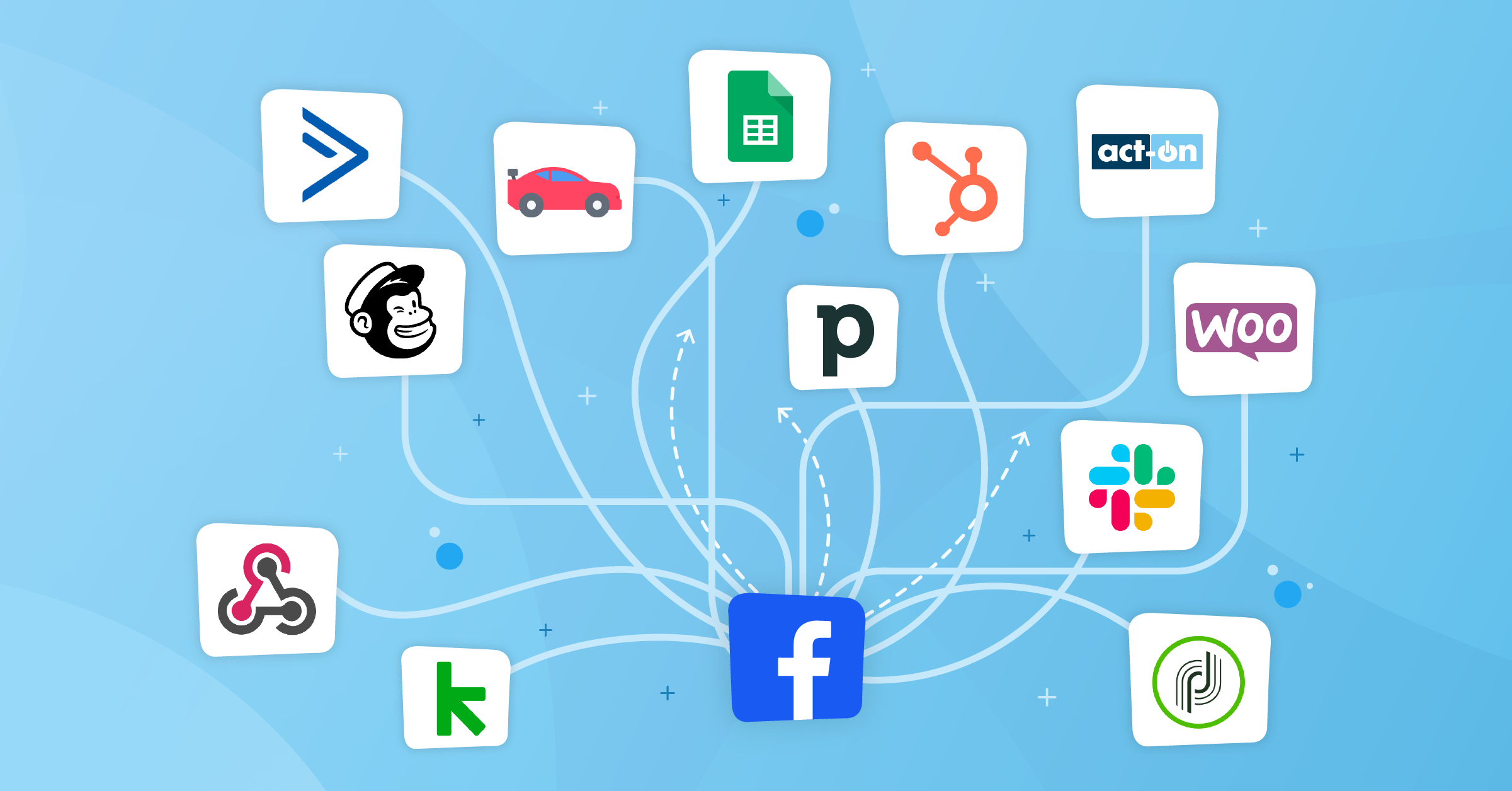
In addition, you’ll learn how to automate your data management processes using CRM integrations such as:


Why CRM lead management matters in 2026
Lead management is simple to explain yet somewhat challenging to execute.
A strong AI-native CRM for lead management helps you:
Without this, you can’t get in touch with your leads in time, which may push them toward your competitors.
- Capture leads from every channel: paid social, search, landing pages, chat, and off-platform events.
- Have a segmentation strategy designed based on fit and intent.
- Route leads to the right rep or nurture flow in seconds.
- Track what happened: who converted, from which campaign, and at which touchpoint.
Meanwhile, your team gets low-quality leads and can’t prove which channels drive revenue.
Your best bet is to set up lead management automation and treat lead flow as an ongoing process.
What to look for in a CRM for lead management
There are hundreds of CRMs you can choose from based on your business needs. However, you want to look for four functions:
- Native forms, web forms, imports, APIs, plus the ability to connect ad platforms
- Flexible lead scoring and automated assignment
- Automation and sequences to handle follow-ups, reminders, and basic nurturing
- The ability to integrate with your ad stack
If a platform looks “great” but can’t pass data in and out easily, it will slow your entire funnel.
The 5 best CRM tools for lead management in 2026
There’s no single “best CRM for lead management” for everyone. But these five check all the boxes for the needs of sales and marketing teams of all sizes in 2026.
All of them are also in the LeadsBridge CRM integrations list, which means you can link them to your ad platforms without custom dev work.
1. HubSpot CRM
HubSpot’s Smart CRM gives you a single place to capture, score, and nurture leads, then track deals and revenue.

Its lead management tools let you view full timelines, trigger workflows, and follow up via email, calls, and tasks from one screen.
Advantages:
- Great for teams that want marketing and sales in one stack.
- Offers strong forms, landing page tools, and built-in email sequences.
- Its reporting feature connects leads to deals and revenue without much setup.
Watch out for:
- Pricing scales quickly as contacts and features grow.
- You’ll need some discipline to avoid messy pipelines and duplicate properties.
HubSpot CRM lead management integration
You can sync leads in real time from Meta, Google, LinkedIn, and TikTok into HubSpot, push back conversions via Conversions API, and keep custom audiences updated for retargeting.


Of course, HubSpot offers its own native integrations, but it does not cover integrations between other platforms (say lead ads and your favorite email responder tool).
2. Salesforce® Sales Cloud
Salesforce® is still the default choice for large or complex sales setups. Its lead management capabilities include custom objects, advanced automation, and detailed reporting across long buyer journeys.

Advantages:
- Enterprise-grade routing, scoring, and approval flows.
- Easy to mirror complex workflows and multi-team handoffs.
- Strong ecosystem of sales apps and AI-based insights.
Watch out for:
- An overkill for very small teams.
- Requires proper implementation.
Salesforce® CRM lead management integration
LeadsBridge lets you pipe lead data directly from your ad platforms to Salesforce® and send your conversion data back to Meta and LinkedIn.


Salesforce® integrations let you:
- Track full-funnel performance from lead form to closed-won.
- Build always-on audiences based on Salesforce fields.
- Use server-side tracking (e.g., Meta Conversions API) to stay effective in a cookie-constrained world.

3. Pipedrive
Pipedrive is built around a visual pipeline. It’s ideal for sales teams that want to stay focused on deals and activities.
It’s a dedicated CRM for lead managers that highlights qualifying, scheduling, and progression from lead to deal.

Advantages:
- Very intuitive Kanban-style pipelines.
- Simple but effective automation for follow-ups and reminders.
- Good fit for outbound-heavy or call-driven teams.
Watch out for:
- Native marketing features are more limited than all-in-one suites.
- You’ll rely more on integrations for advanced nurture.
Pipedrive CRM lead management integration
Once integrated, you can send leads from ad platforms straight into Pipedrive, assign them to the right pipeline, and keep ad audiences current based on Pipedrive custom fields.

4. Zoho CRM
Zoho CRM tends to show up in lists of top CRMs for small to mid-sized businesses, mainly because of its price-to-feature ratio.

Its lead management tools include multi-channel capture, scoring, and automatic assignment, plus strong lead nurturing setups.
Advantages:
- Good lead scoring and segmentation at a low price point.
- Built-in workflows that handle reminders and email sequences.
- Easy integration with other Zoho tools if you use their suite.
Watch out for:
- UI and UX feel a bit heavier than newer players.
- Takes some configuration to get the most out of scoring and automation.
Zoho CRM lead management integration
LeadsBridge connects Zoho CRM with major ad platforms so you can sync leads instantly to and from your CRM.
In addition, you’ll get to build evergreen audiences based on Zoho segments and close the loop by pushing conversion events back to platforms.
This turns your budget-friendly Zoho CRM into a performance-ready stack.
5. Freshsales (Freshworks CRM)
Freshsales focuses on bringing AI into the daily workflow of sales reps. It helps you run campaigns, capture and qualify leads, then route and track them with its “Freddy AI” assistant.

Advantages:
- AI scoring and insights that highlight the right leads.
- Clean UI and fast setup, especially for small and mid-size teams.
- Substantial value for money with a usable free or low-tier plan.
Watch out for:
- Less customizable than giants like Salesforce® or HubSpot.
- Ecosystem and integrations are somewhat limited.
Freshsales CRM lead management integration
Once connected, you can sync leads from Meta, Google, LinkedIn, and TikTok forms in real time.
Additionally, your team can use Freshsales’ AI scores to build better retargeting audiences. Then, feed converted deals back to ad platforms to train their algorithms.
6. Salesmate
Salesmate is one of the strongest lead management CRM tools for businesses that want to capture, organize, qualify, and convert leads from one place.
It brings in leads from multiple sources, gives teams a 360-degree lead view, and combines lead management with sales communication and automation tools in a single platform.

Advantages:
- Captures leads from multiple sources using web forms, chatbots, built-in tools, and integrations like Zapier.
- Helps sales teams qualify better with custom lead scoring and easy visibility into high-priority prospects.
- Gives a complete 360-degree view of each lead, including contact details, company info, deal association, and interaction history.
- Goes beyond lead tracking with built-in calling, text messaging, meeting scheduler, sales sequences, pipelines, and reporting.
Watch out for:
- It is better suited for teams looking for an all-in-one sales CRM, not just a lightweight lead tracker.
- To get the most value, teams will likely need to spend time setting up lead scoring, automations, lists, and views around their process.
Connect Salesmate with your favorite tool in a few clicks
Choose between over 390 integrations to get the most out of your Salesmate data.


How LeadsBridge CRM integrations can streamline your lead management
Choosing the best CRM for lead management is only half the job. The other half is wiring it into the platforms where you generate your leads.
This way, you can actually use that data as you are supposed to.
LeadsBridge has partnered with the top advertising platforms, including Meta, LinkedIn, Google, and TikTok.
Besides offering platform-friendly integrations, it lets you:
1. Real-time lead sync
LeadsBridge’s Lead Sync pushes leads from your ad platforms (Meta, Google, LinkedIn, TikTok) into your CRM in real time.
That means your sales team gets an alert within seconds of a form submission.
Want all the advantages of lead management automation? This is non-negotiable.
2. Smarter retargeting with CRM audiences
Audience Sync integrations are designed to help you build always-updated audiences from your CRM segments and send them to Meta, Google, LinkedIn, and others.
You can, for example, retarget only MQLs who haven’t booked a meeting, or build lookalikes from closed-won deals.
3. Reliable revenue attribution
Set up your Conversion Sync and server-side tracking, like Meta Conversions API and LinkedIn Conversions API.
These integrations send actual sales events back to your ad platforms, so you can optimize campaigns based on ROI objectives.
Currently, this is the only way for advertisers to survive privacy changes and cookie loss with server-side events.
Takeaways
CRM lead management is where your ad spend either turns into pipeline or non-convertible awareness. The right CRM is important, but the real leverage is in how well it’s integrated with your acquisition stack.
That’s why you need an interconnected data system. In 2026, speed and data connectivity are the new baseline.